Product Content & Copy AI
Canva Magic Studio
Canva Magic Studio is an AI design suite for ecommerce and marketing teams that need to create and adapt copy, images, video, and layouts in one shared creative workspace. With over 260 million monthly users and a massive template library, it is an accessible content creation platform for ecommerce teams that need to produce branded product images, social media graphics, and marketing materials without professional design skills. Its Brand Kit keeps visual identity consistent across all assets.
- Platforms
- Shopify · Amazon · Etsy · eBay · WooCommerce · Squarespace · Wix · Custom
 Official videoIntroducing Canva AI 2.0 | Canva Create 2026Click to play · Canva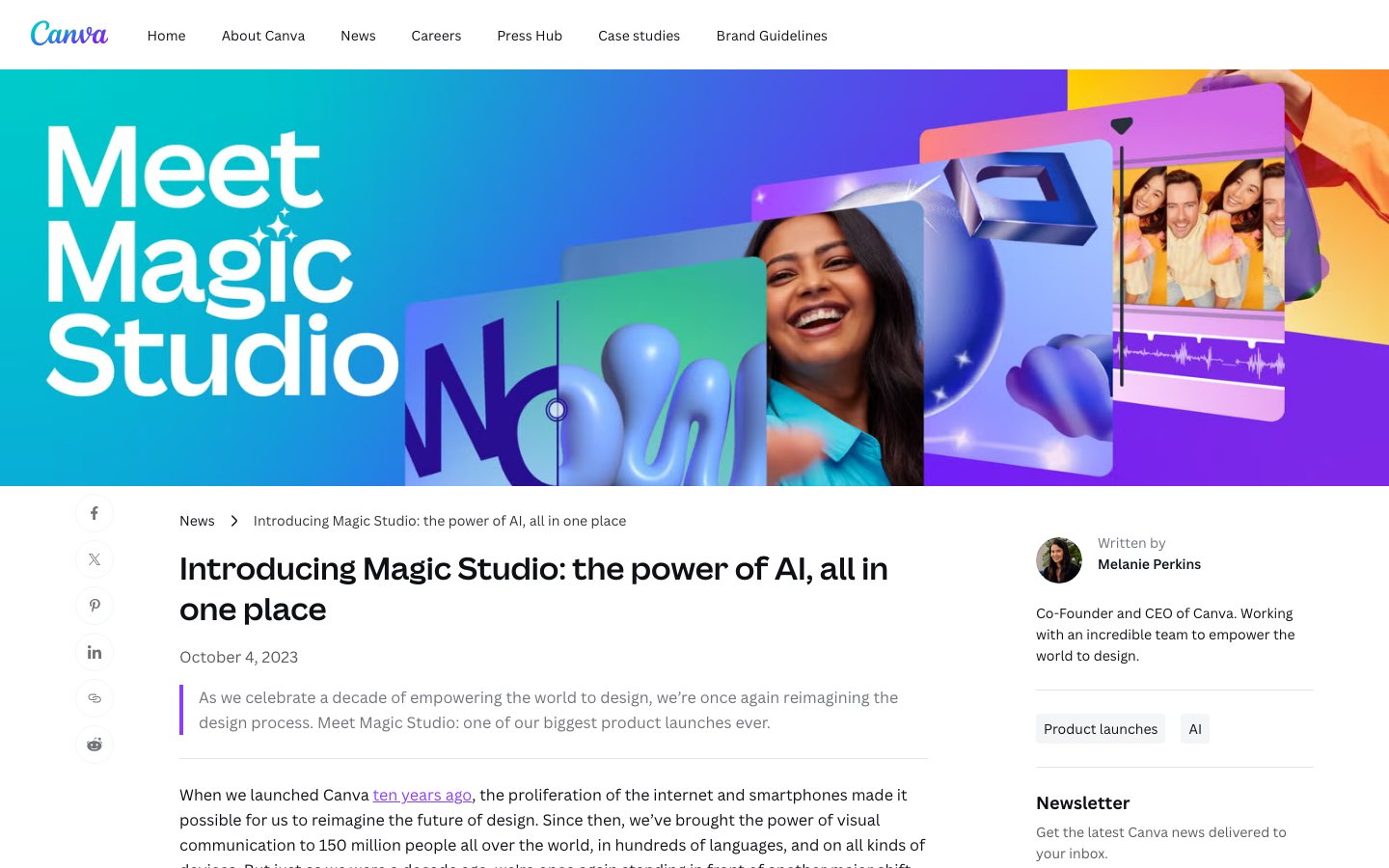
Buying view: Canva Magic Studio is a practical choice when non-designers need to produce product images, campaign graphics, and short videos from templates in one browser-based workspace. Brand Kit and reusable assets help with consistency, but generated copy and images still require factual and brand review.
Capabilities
Canva Magic Studio helps an ecommerce team turn a prompt, product photo, or existing design into campaign graphics, copy, short video, and channel-sized variants inside Canva. Its biggest advantage is speed for non-designers: AI creation, Brand Kit rules, team editing, and multi-format resizing sit in the same workspace, so everyday campaign production needs fewer specialist handoffs.
What problem it addresses
Non-designers need to turn product and campaign ideas into reusable visual formats while keeping brand choices consistent.
How people use it
Magic Media — AI text-to-image and text-to-video generation. Magic Write — AI copywriting for product descriptions and ads. Magic Edit and Magic Eraser — image manipulation and background removal.
A marketer starts from a prompt, photo, or template, generates a draft, applies brand choices, edits the result, and approves it for use.
The approved design is resized or translated into channel variants, checked by the team, and exported or scheduled for distribution.
What each module does and its role
Magic Design
Turn a written prompt or uploaded media into a first design, presentation or video draft. Teams can then apply a Brand Kit and edit the generated structure instead of treating it as a finished asset.
Resize & Magic Switch
Reformat a design for another channel and translate or transform content from the same workflow. Campaign teams can use it to produce channel variants while checking each output's layout and language.
Magic Grab
Separate a subject or text from a flat image so it becomes an editable design element. This lets operators reposition or resize part of a product or campaign image, or rewrite its text, without rebuilding the whole layout.
Magic Expand
Generate content beyond an image's existing border to repair framing or change orientation. Creative teams can adapt one approved source image to vertical, square or horizontal placements and then inspect generated edges.
Magic Morph
Apply a prompted visual effect to text or shapes and reuse the style across design elements. It is useful for campaign treatments, but the transformed typography and legibility still require review.
Magic Edit and Magic Eraser
Use a prompt or select an area to add, replace or remove image content. Merchandising teams can correct backgrounds and scene details while keeping product accuracy under human review.
Magic Media
Generate images and short videos from text or an existing image inside Canva. The output can move directly into a design, where teams can combine it with templates, typography and brand assets.
Magic Animate
Apply coordinated animations and transitions across a design with one action. Presentation and video teams can use it as a motion starting point, then adjust timing before publishing.
Magic Write
Use a prompt and, where available, brand-voice context to draft, summarize, expand or rewrite copy. Marketers can use it for product and campaign drafts while retaining editorial approval.
Dream Lab
Generate visual concepts from text with Canva's Leonardo-powered image tool. Teams can use the results for brainstorming and marketing materials, then refine them inside the Canva editor.
Magic Studio at scale
Use Magic Write, Translate, Bulk Create and Magic Resize with Canva Sheets to create many personalized variants. This is the production layer for teams moving from one design to a governed content set.
Commercial plans
This table reflects the current public pricing information checked on 2026-09-03. Each row keeps the plan's documented allowances, capabilities and separately priced add-ons together so the tiers can be compared without treating the headline price as the whole offer.
Canva plans that include Magic Studio allowances
| Product or sales surface | Scope | Public price and status |
|---|---|---|
| Free | For one person trying core design tools and limited AI usage. Included plan entitlements
| $0/year |
| Pro | For one creator needing premium assets, resizing and a larger AI allowance. Included plan entitlements
| $144/year for one person |
| Business | For teams that need approvals, administration and larger AI allowances. Included plan entitlements
| $250/year per person |
| Enterprise | For organizations that need negotiated arrangements for governance, security, and support. Included plan entitlements
| Contact sales |
Comparable tools: price and workflow
| Tool | Workflow difference | Official public price reference |
|---|---|---|
| Adobe Firefly | Adobe Firefly: A generative AI creative suite deeply integrated with Creative Cloud and focused on commercial safety. Canva Magic Studio: An integrated AI toolkit for images, video, copy, and layouts for teams without dedicated designers. | $0 |
| Photoroom AI Product Photography | Photoroom AI Product Photography: Create consistent ecommerce product visuals through an app, batch workflows, and an image API. Canva Magic Studio: Design product photos, social graphics, and marketing videos with AI in a single drag-and-drop platform for non-designers. | $0 |
| Jasper AI | Jasper AI: Enterprise marketing AI workspace for governed, on-brand content and reusable agents. Canva Magic Studio: Design product photos, social graphics, and marketing videos with AI in a single drag-and-drop platform for non-designers. | $69/month per seat, or $59/month billed annually |
| Shopify Magic | Shopify Magic: Shopify-native generative AI and Sidekick assistance included with merchant plans. Canva Magic Studio: Design product photos, social graphics, and marketing videos with AI in a single drag-and-drop platform for non-designers. | Included; feature availability varies |
| Copy.ai | Copy.ai: GTM AI platform for reusable sales, marketing, and customer workflows. Canva Magic Studio: Design product photos, social graphics, and marketing videos with AI in a single drag-and-drop platform for non-designers. | $29/month, or $24/month annually; 5 seats |
Frequently asked questions
How does Canva Magic Studio fit into an ecommerce workflow?
A merchant can begin with a template, prompt, product photo, or brand asset, use Magic Media, Magic Write, or Magic Edit to create a draft, apply Brand Kit settings, and resize the approved design for different sales and social channels.
How is Canva Magic Studio priced?
The annual price references shown here are Free: $0/year; Pro: $144/year for one person; Business: $250/year per person; Enterprise: contact sales.
What is the main Canva Magic Studio boundary to check?
Brand Kit and reusable assets help with consistency, but generated copy and images still require factual and brand review.
Native connections
Create, update and replace on-brand assets from HubSpot through the globally available Canva integration.
Canva and HubSpot integrationSync PNG designs from one top-level Canva folder into Omnisend automatically or on demand, then use them in campaigns and automations.
Omnisend: Integrate CanvaSources
Content checked: