Product Content & Copy AI
Adobe Firefly
Adobe Firefly is a generative AI creative suite for ecommerce and marketing teams that need to generate and edit product, campaign, video, and design assets inside the Adobe workflow. It emphasizes training on licensed content and enterprise intellectual-property protection, making it suitable for content teams that care about brand workflows and commercial-use risk.
- Platforms
- Shopify · Amazon · WooCommerce · Magento · BigCommerce · Custom
 Official videoAdobe Firefly: The next evolution of creative AI is hereClick to play · Adobe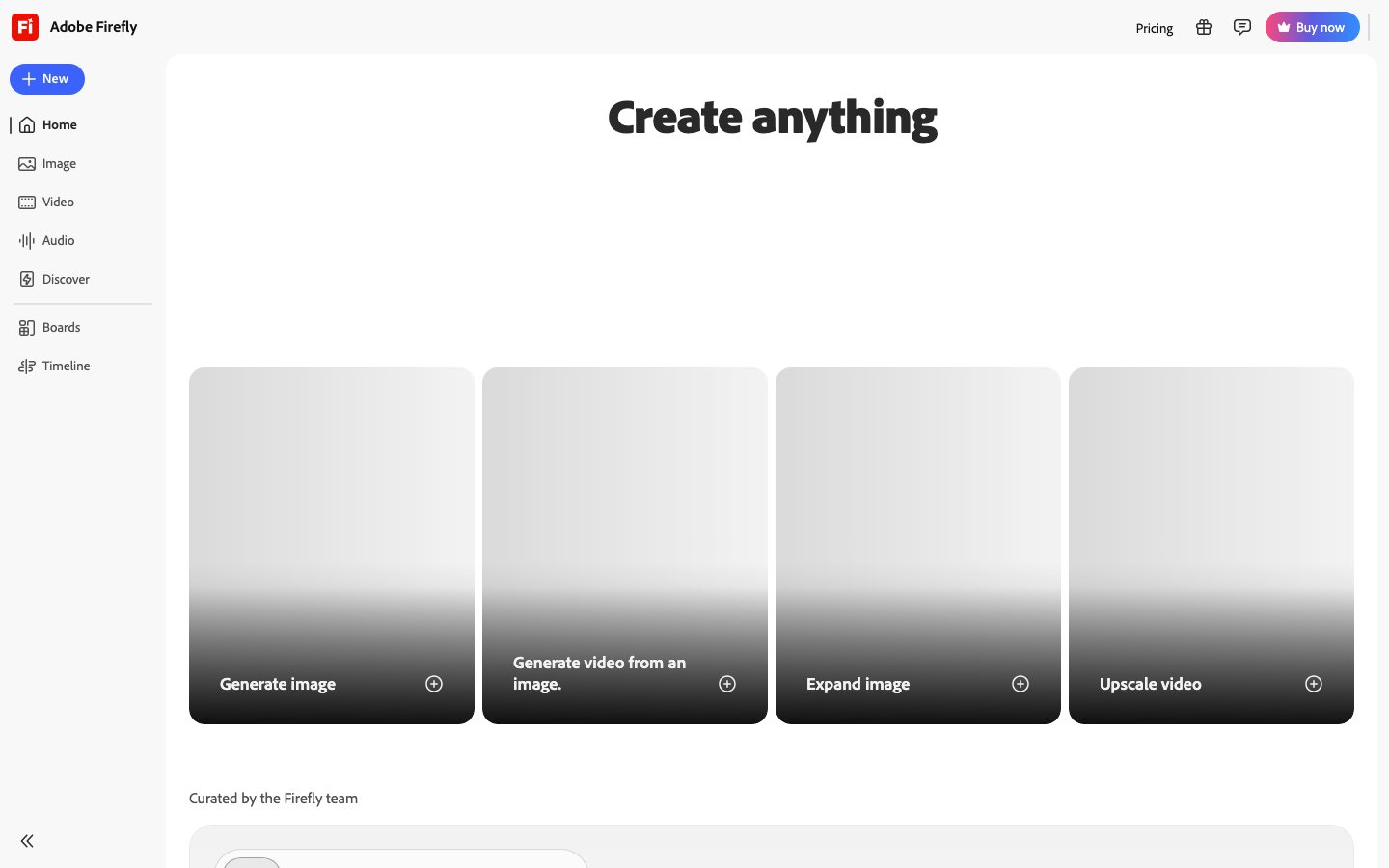
Buying view: Adobe Firefly is most relevant to teams that already finish assets in Adobe applications and need generation, editing, video, and provenance tools in the same creative environment. Enterprise indemnity and plan-specific generative-credit limits should be checked separately from the model's output quality.
Capabilities
Adobe Firefly helps a commerce creative team turn a prompt, reference image, or approved asset into product imagery, campaign variations, video, audio, or vector work, then finish it in familiar Adobe apps. Its biggest advantage is that generation, professional editing, batch production, and eligible Content Credentials stay inside the Adobe workflow instead of being passed between unrelated tools.
What problem it addresses
Creative teams need to produce and adapt campaign or catalog assets without breaking the Adobe workflow used for final editing.
How people use it
Text-to-image generation from prompts, Generative Fill for extending and editing product images in Photoshop, image expansion, background replacement, and video generation. It integrates directly with Photoshop, Illustrator, Express, and Premiere Pro workflows. Content Credentials record AI-content provenance, and enterprise IP-indemnity options are available.
The team starts with an approved product image or brief, creates and edits alternatives, then reviews the finished asset before export.
An approved source clip is generated or translated, refined in the Adobe editing workflow, and checked before localized versions are released.
Enterprise teams can define a repeatable production workflow, submit asset inputs, monitor the asynchronous run, and retrieve outputs for approval or reuse.
What each module does and its role
Generate Image
Generate images from written prompts, with current Firefly and supported partner models available from the image area. Merchandising teams can use it for product-scene concepts, campaign variants and other still-image assets before final review.
Edit Image
Remove objects, expand backgrounds, upscale images and make prompt-directed changes in the Firefly image editor. This keeps common catalog cleanup and campaign adaptation inside one visual workspace.
Generative Fill
Add content to selected image areas, or remove or replace their contents with generated content. This is also available inside supported Adobe editing surfaces. Teams can use it for controlled product-image changes while keeping the original composition available for review.
Generate Video
Create video clips from a prompt with selectable aspect ratios and resolutions. Creative teams can use the generated clips as campaign footage, motion concepts or inputs to a longer editing workflow.
Image to Video
Turn a source image into a moving clip and guide the result with text. This gives product and campaign teams a way to animate an approved still without rebuilding the scene from scratch.
Text to Avatar
Create presenter videos from text with selectable avatars, accents and backgrounds. This feature is suited to training or marketing explainers where the script still needs a human content review.
AI Animation
Generate animation from images, sketches or text and carry the result into the wider creative workflow. Teams can use it to test motion directions before committing to full production.
Translate Video
Translate spoken video into more than 20 languages while preserving the speaker's voice characteristics where the feature supports it. Global teams can create localized campaign or training versions from one approved source video.
Translate Audio
Translate supported audio files into multiple languages while preserving the original voice's characteristics. Teams should check source-audio quality, duration and available generative credits before starting a batch.
Generate Sound Effects
Generate sound effects from a text prompt and optionally use a recorded voice performance to guide timing and intensity. Editors can place the result on a video or audio timeline, then review and adjust it before export.
Vector and design generation
Firefly currently includes tools for image, video, audio and vector generation, rather than only raster image tools. Design teams can use vector and design outputs as editable starting points in the broader Adobe workflow.
Content Credentials and model choice
Eligible outputs can carry Content Credentials, while Firefly also exposes selected Adobe and partner models for different generation tasks. Buyers should assess provenance, model terms and plan credit consumption separately from output quality.
Commercial plans
This table reflects the current public pricing surface checked on 2026-09-03. Each row keeps the plan's documented allowances, capabilities and separately priced add-ons together so the tiers can be compared without treating the headline price as the whole offer.
Adobe Firefly public plans
| Product or sales surface | Scope | Public price and status |
|---|---|---|
| Free | For trying Firefly with a limited generative-credit allowance. Included plan entitlements
| $0 |
| Standard | Entry paid plan for regular image work and limited premium generation. Included plan entitlements
| $9.99/month |
| Pro | Higher monthly credit allowance for creators using premium Firefly models more often. Included plan entitlements
| $19.99/month |
| Pro Plus | Large credit pool for higher-volume premium generation. Included plan entitlements
| $34.97/month promotional price$49.99/month regular price |
| Premium | Highest published individual Firefly allowance for intensive video and audio work. Included plan entitlements
| $139.91/month promotional price$199.99/month regular price |
Comparable tools: price and workflow
| Tool | Workflow difference | Official public price reference |
|---|---|---|
| Canva Magic Studio | Canva Magic Studio: An integrated AI toolkit for images, video, copy, and layouts for teams without dedicated designers. Adobe Firefly: A generative AI creative suite deeply integrated with Creative Cloud and focused on commercial safety. | $0 |
| Photoroom AI Product Photography | Photoroom AI Product Photography: Create consistent ecommerce product visuals through an app, batch workflows, and an image API. Adobe Firefly: A generative AI creative suite deeply integrated with Creative Cloud and focused on commercial safety. | $0 |
| Jasper AI | Jasper AI: Enterprise marketing AI workspace for governed, on-brand content and reusable agents. Adobe Firefly: A generative AI creative suite deeply integrated with Creative Cloud and focused on commercial safety. | $69/month per seat, or $59/month billed annually |
| Shopify Magic | Shopify Magic: Shopify-native generative AI and Sidekick assistance included with merchant plans. Adobe Firefly: A generative AI creative suite deeply integrated with Creative Cloud and focused on commercial safety. | Included; feature availability varies |
| Copy.ai | Copy.ai: GTM AI platform for reusable sales, marketing, and customer workflows. Adobe Firefly: A generative AI creative suite deeply integrated with Creative Cloud and focused on commercial safety. | $29/month, or $24/month annually; 5 seats |
Frequently asked questions
How does Adobe Firefly fit into an ecommerce workflow?
A creator starts with a prompt, reference image, or existing asset, generates or edits the required scene, background, graphic, or video, and then finishes it in Photoshop, Illustrator, Express, or Premiere Pro. Content Credentials can travel with eligible output as an AI-provenance disclosure.
How is Adobe Firefly priced?
The public price references shown here are Free: $0; Standard: $9.99/mo; Pro: $19.99/mo; Pro Plus: $34.97/mo.
What key Adobe Firefly terms should be checked?
Enterprise intellectual-property indemnity and plan-specific generative-credit limits should be checked separately from the model's output quality.
Sources
Content checked: