Automation & Integration AI
Botpress
Botpress is an AI-agent and customer-service platform for product and support teams that need to build, deploy, and supervise assistants grounded in company knowledge without assembling every orchestration layer themselves. Teams can build an agent themselves in Viber or Studio, commission a managed build, ground it in approved knowledge and structured tables, deploy it to supported channels, and keep a human escalation path in Botpress Desk or a connected helpdesk.
- Platforms
- Web · API · WhatsApp · Messenger · Slack · Custom integrations
 Official videoGetting Started: Botpress StudioClick to play · Botpress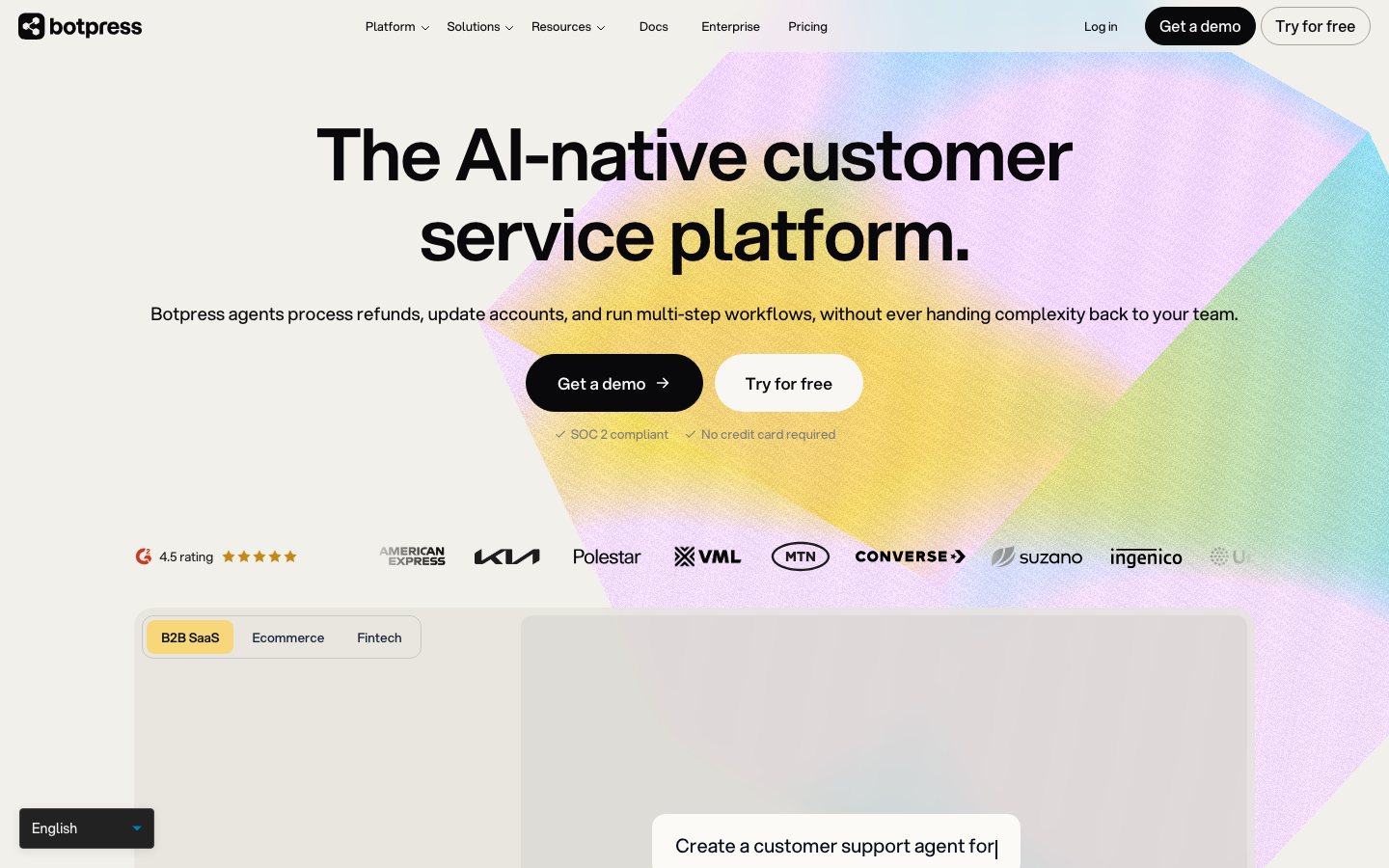
Buying view: Botpress fits a team that wants to build its own support or shopping agent and can own the data connections, actions, tests, and live handoff. It is an agent-building platform rather than a preconfigured ecommerce help desk, and human handoff begins on the Plus plan.
Capabilities
Botpress lets a team design, publish, and operate a customer-facing AI agent with its own instructions, knowledge, workflows, tools, channels, memory, and escalation rules. Its biggest advantage is the control between a rigid FAQ bot and a fully custom build: non-developers can assemble behavior visually, while technical teams can add APIs and code where the business process needs them.
What problem it addresses
A custom commerce agent must combine approved knowledge, structured data, actions, channels, and human handoff in one controllable application.
How people use it
Visual Studio combines autonomous nodes, deterministic workflows, actions, variables, and code. Knowledge bases can use websites, files, tables, APIs, and optional web search as sources. Structured tables can expose inventory, pricing, and other commerce data to natural-language queries.
The builder defines the agent, connects knowledge and tools, tests its behavior, then publishes it to the required channel.
A published agent interprets the message, uses approved knowledge or a workflow, and either completes the supported request or hands it to a person with context.
What each module does and its role
Botpress Viber
Build and change an agent through natural-language instructions rather than only editing a visual graph. Teams can use it to accelerate routine configuration while reviewing the resulting behavior and tools.
Botpress Studio
Use the visual AI-agent builder to combine instructions, workflows, actions, variables and code. It is the main work surface for controlling deterministic steps around model-driven behavior.
Built by Botpress
Commission an end-to-end agent that Botpress experts build and maintain for a defined business outcome. This is a managed service path and should be evaluated separately from self-built Studio work.
Botpress Engine
Botpress Engine provides the execution infrastructure behind AI agents, including the runtime needed for tools, state and production operations. Implementation teams use this layer to run designed behavior reliably in production.
Knowledge Bases
Ingest websites, files, tables and other supported sources so answers can be grounded in approved information. Support owners still need to maintain source quality and decide what the agent may answer.
Tables
Store structured business data that an agent can query or update within configured workflows. Commerce implementations can use tables for inventory, pricing or other controlled records instead of embedding changing values in prompts.
Botpress Desk
Provide an AI-native helpdesk for conversations that require human handling, assignment and follow-up. It can be used as the escalation workspace when a team does not use an external helpdesk.
Channels and integrations
Deploy agents through webchat, WhatsApp, Slack and other listed channels, and connect helpdesks or business systems through ready-made integrations. Connector availability, direction and plan eligibility should be verified for each production stack.
Commercial plans
This table reflects the current public pricing surface checked on 2026-09-03. Each row keeps the plan's documented allowances, capabilities and separately priced add-ons together so the tiers can be compared without treating the headline price as the whole offer.
Botpress public plans
| Product or sales surface | Scope | Public price and status |
|---|---|---|
| Free | For testing a small support deployment without top-ups or overages. Included plan entitlements
| $0 |
| Plus | For a live customer-support AI agent that needs higher volume and branded delivery. Included plan entitlements
Optional add-ons
| $150/month billed annually |
| Team | For collaborative support operations with routing and analytics. Included plan entitlements
Optional add-ons
| $750/month billed annually |
| Enterprise | For custom volume, security, support and voice requirements. Included plan entitlements
| Custom quote |
Comparable tools: price and workflow
| Tool | Workflow difference | Official public price reference |
|---|---|---|
| Dify | Dify: Self-hostable visual LLM application platform for RAG chatbots, agents, and workflows. Botpress: Visual and code-extensible AI agent builder for custom support and commerce workflows. | Free |
| n8n AI Agents | n8n AI Agents: Build self-hosted AI agent workflows with visual nodes, code, and API integrations. Botpress: Visual and code-extensible AI agent builder for custom support and commerce workflows. | Free software (infrastructure not included) |
| Zowie | Zowie: Enterprise customer-facing AI with deterministic policy execution and cross-channel observability. Botpress: Visual and code-extensible AI agent builder for custom support and commerce workflows. | Custom per-conversation pricing |
| Zendesk AI | Zendesk AI: Zendesk customer service plans with outcome-priced AI agents and enterprise controls. Botpress: Visual and code-extensible AI agent builder for custom support and commerce workflows. | $19/agent/month, billed annually |
| Make AI Agents | Make AI Agents: Build visual AI agent workflows across 3,000+ apps with drag-and-drop simplicity. Botpress: Visual and code-extensible AI agent builder for custom support and commerce workflows. | $0/month; up to 1,000 credits/month |
Frequently asked questions
How does Botpress fit into an ecommerce workflow?
A builder loads approved knowledge and structured commerce data, combines autonomous nodes with deterministic steps and actions, and publishes the agent through Webchat or an API. The team must define identity handling, live-data access, allowed writes, error handling, and the point at which a person takes over.
How is Botpress priced?
The public price references shown here are Free: $0; Plus: $150/month billed annually; Team: $750/month billed annually; Enterprise: custom quote.
What are the main boundaries to check when considering Botpress?
It is an agent-building platform rather than a preconfigured ecommerce help desk, and human handoff begins on the Plus plan.
Native connections
Connect the ready-made HubSpot integration so a Botpress agent can work with the existing customer stack.
Botpress HubSpot integrationAdd Botpress in front of Zendesk while keeping the existing helpdesk and escalation path.
Botpress Zendesk integrationSources
Content checked: