Automation & Integration AI
Dify
Dify is an AI application platform for product and engineering teams that need to build, deploy, and operate agents, chat applications, and workflows from models, knowledge, and tools. A team can use Dify to operate a custom ecommerce assistant, but it must connect the relevant catalog or order systems, define action permissions, and maintain the deployment and model configuration.
- Platforms
- Web · API · Self-hosted · Docker
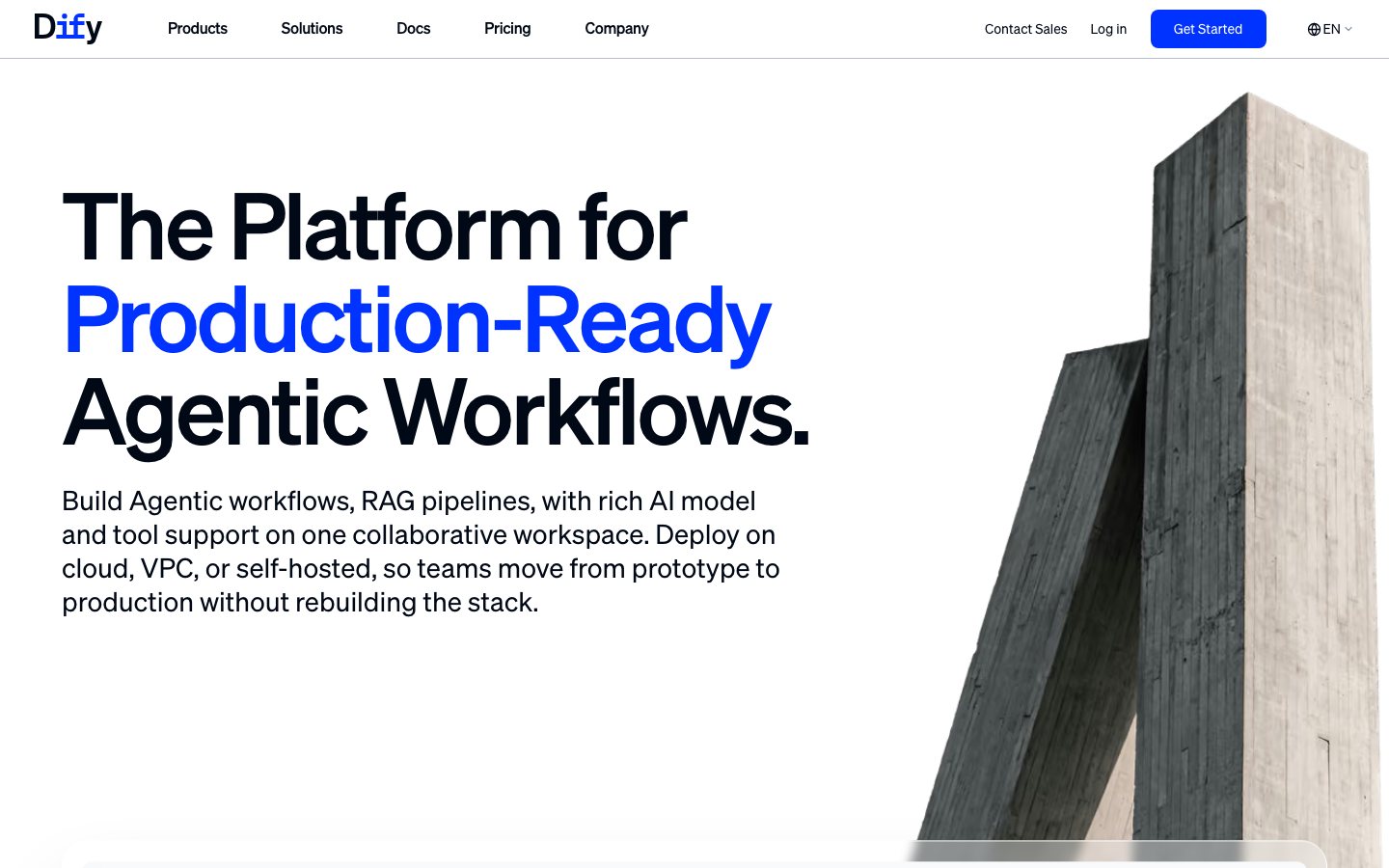
Buying view: Dify suits technical teams that want a visual application layer for RAG, agents, workflows, model choice, and observability, with cloud or self-hosted deployment. Self-hosting removes neither model charges nor the work of securing credentials, monitoring runs, backing up data, and applying upgrades.
Capabilities
Dify lets a team build a generative-AI application by combining models, prompts, knowledge retrieval, tools, branches, and structured steps on a visual canvas, then publish it as a web app or API. Its biggest advantage is that building and operating stay together: the same platform holds the workflow, datasets, model settings, logs, traces, and feedback used to diagnose and improve the application.
What problem it addresses
Technical teams need a practical way to assemble retrieval, model calls, tools, agent logic, publishing, and run inspection without hand-coding the whole application.
How people use it
A visual workflow and chatflow canvas supports branching, tools, variables, and model calls. A RAG pipeline ingests common document formats and exposes configurable retrieval. Agent applications can use function calling or ReAct with built-in and custom tools.
The builder defines the user task, assembles models, knowledge and tools, tests the route, then publishes a web app or API.
A live request follows the published workflow, returns an answer or action, and leaves logs and feedback that the team can use for the next revision.
What each module does and its role
Workflow and Chatflow
The visual workflow and chatflow canvas supports branching, tools, variables, and model calls. Builders connect and test those nodes on the canvas before publishing the workflow as an application or API.
RAG pipeline
The RAG pipeline ingests common document formats and exposes configurable retrieval. Teams can review the input and output before continuing.
Agent applications
Agent applications can use function calling or ReAct with built-in and custom tools. The agent selects from the tools granted to it during a run and returns the resulting answer or action to the application.
Model providers
Teams can select from multiple proprietary and self-hosted model providers for each application. They can review the input and output before continuing.
Web app and API publishing
Published applications can run as web apps, be embedded in existing sites, or be called through APIs. Teams can use them to pass the documented data or actions between the product and a connected system; data and action flow direction and plan eligibility still need separate verification.
Logs and observability
Logs, tracing, annotations, and external observability integrations support iterative evaluation. Operators inspect a run, annotate an answer, and trace failures before revising the application.
Commercial plans
This table reflects the current public pricing surface checked on 2026-09-03. Each row keeps the plan's documented allowances, capabilities and separately priced add-ons together so the tiers can be compared without treating the headline price as the whole offer.
Dify Cloud
| Product or sales surface | Scope | Public price and status |
|---|---|---|
| Sandbox | For trying the core cloud product with low usage limits. Included plan entitlements
| Free |
| Professional | For individual developers and small teams running production AI apps. Included plan entitlements
| Published annual workspace price |
| Team | For medium-sized teams needing higher throughput and collaboration. Included plan entitlements
| Published annual workspace price |
Self-hosted and enterprise
| Product or sales surface | Scope | Public price and status |
|---|---|---|
| Community | For open-source, personal, and non-commercial self-hosted projects. Included plan entitlements
| Free software; infrastructure not included |
| Enterprise | For organizations requiring security, governance and dedicated support. Included plan entitlements
| Custom quote |
Comparable tools: price and workflow
| Tool | Workflow difference | Official public price reference |
|---|---|---|
| Botpress | Botpress: Visual and code-extensible AI agent builder for custom support and commerce workflows. Dify: Self-hostable visual LLM application platform for RAG chatbots, agents, and workflows. | $0/month + AI spend |
| n8n AI Agents | n8n AI Agents: Build self-hosted AI agent workflows with visual nodes, code, and API integrations. Dify: Self-hostable visual LLM application platform for RAG chatbots, agents, and workflows. | Free software (infrastructure not included) |
| Zowie | Zowie: Enterprise customer-facing AI with deterministic policy execution and cross-channel observability. Dify: Self-hostable visual LLM application platform for RAG chatbots, agents, and workflows. | Custom per-conversation quote |
| Fin | Fin: Intercom AI customer-service agent that can connect to an existing help desk and is priced per resolved outcome. Dify: Self-hostable visual LLM application platform for RAG chatbots, agents, and workflows. | $0.99/outcome |
| Make AI Agents | Make AI Agents: Build visual AI agent workflows across 3,000+ apps with drag-and-drop simplicity. Dify: Self-hostable visual LLM application platform for RAG chatbots, agents, and workflows. | $0/month; up to 1,000 credits/month |
Frequently asked questions
How does Dify fit into an ecommerce workflow?
A builder connects documents or structured data to a retrieval pipeline, lays out model calls, branches, and tools on a workflow canvas, and publishes the result as a web app or API. Logs, traces, and annotations provide the evidence needed to inspect failures and tune the application.
How is Dify priced?
The public price references shown here are Cloud Sandbox: Free; Cloud Professional: $590/year; Cloud Team: $1,590/year; Community self-hosted: Free software.
What is the main Dify boundary to check?
Self-hosting does not eliminate model charges or the work of securing credentials, monitoring runs, backing up data, and applying upgrades.
Sources
Content checked: