Supply Chain & Fulfillment AI

Katana

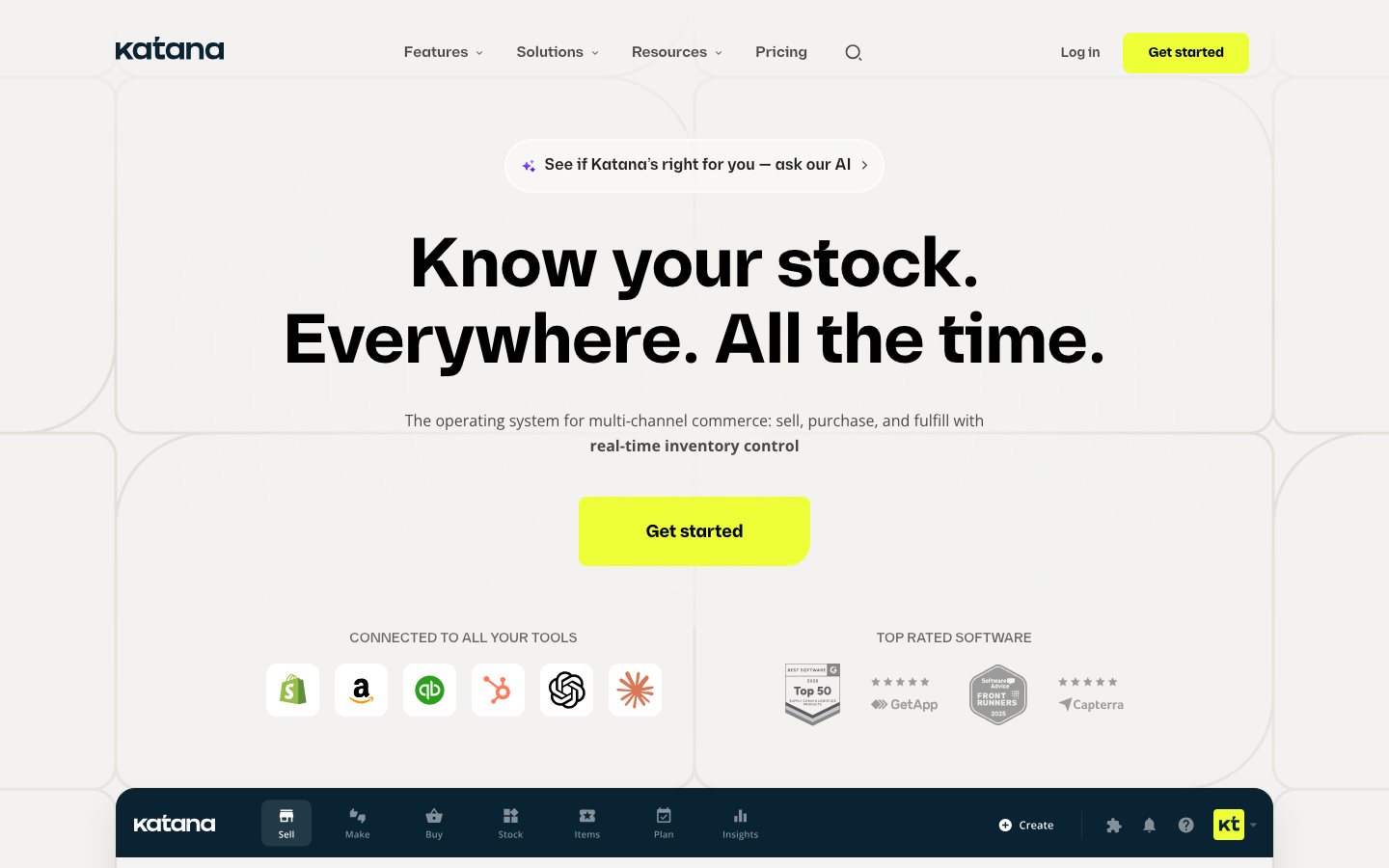
Katana is an inventory and manufacturing-planning platform for product brands that need to coordinate demand, materials, production, purchasing, and fulfillment. It connects ecommerce demand to manufacturing operations, rather than treating stock planning as only a finished-goods problem.

Views
0
Uses
0
Favorites
0
Editorial Score
75/100
Supported Platforms
Shopify · Custom API
Freshness
Reviewed Sep 2026
Katana official product page or product image
Official product-page image source

Buying view: It connects ecommerce demand to manufacturing operations, rather than treating stock planning as only a finished-goods problem. Manufacturing routes, BOMs, stock locations, and channel synchronization must be modeled before sales orders from connected channels are allowed to drive production tasks.

Capabilities

Katana gives product businesses one operating system for sales orders, inventory, purchasing, manufacturing, and warehouse work. Sales and production planners use the Sell, Stock, Buy, and Make screens to see what is in stock, committed, or expected, create purchase or manufacturing orders when supply is short, and move orders toward delivery. Shop-floor and warehouse operators update production, receiving, picking, and packing work, and those changes flow back into the shared inventory record.

What problem it addresses

Product businesses that sell, assemble, or manufacture goods need customer orders, stock, purchasing, production, and warehouse execution to stay aligned as priorities and availability change.

How people use it

Katana is a shared inventory and operations workspace organized around Sell, Stock, Buy, and Make screens, with Shop Floor and Warehouse apps for execution. Sales orders, purchase orders, and manufacturing orders update the same stock states, so planners can decide what to buy, make, or fulfill without reconciling separate spreadsheets.

How Katana supports three supply and fulfillment routes

A sales order or replenishment signal enters Katana, and the item is routed according to its supply model: make to order, make to stock, or resale. The two manufacturing routes share material checking and production, while the resale route checks finished-goods stock; all three reconnect when available inventory is allocated to sales orders, which then proceed through warehouse fulfillment.

If materials or resale stock are short, purchasing and receiving bring them into inventory before the route continues. Production, receipt, allocation, picking, packing, and delivery all update the shared stock and order states used by the next decision.

Katana make-to-order, make-to-stock, and resale fulfillment workflowA standard branching flowchart showing how a sales order or replenishment signal follows Katana's make-to-order, make-to-stock, or resale route. Manufacturing routes check materials and complete production; the resale route checks finished stock; all routes converge on stock allocation, warehouse fulfillment, and updated shared records.Make to orderMake to stockResaleNoYesNoYesStartSales order arrives or stock signalsreplenishmentHow is this itemsupplied?Create an MO linked to thesales orderCreate an independentreplenishment MORequired materialsavailable?Purchase and receive missingmaterialsComplete production and addgoods to stockFinished goodsavailable?Purchase and receive finishedgoodsAllocate available stock to salesordersPick, pack, deliver, and updateshared recordsEndKatana make-to-order, make-to-stock, and resale fulfillment workflowA standard branching flowchart showing how a sales order or replenishment signal follows Katana's make-to-order, make-to-stock, or resale route. Manufacturing routes check materials and complete production; the resale route checks finished stock; all routes converge on stock allocation, warehouse fulfillment, and updated shared records.Make to orderMake to stockResaleNoYesNoYesStartSales order arrives orstock signals replenishmentHow is this itemsupplied?Create an MOlinked to thesales orderCreate anindependentreplenishment MORequired materialsavailable?Purchase andreceive missingmaterialsCompleteproduction and addgoods to stockFinished goodsavailable?Purchase andreceive finishedgoodsAllocate available stock tosales ordersPick, pack, deliver, andupdate shared recordsEnd

What each module does and its role

Inventory management

Inventory management gives planners a Stock screen for products and materials across locations. It shows what is in stock, committed to sales or manufacturing, expected from purchase or manufacturing orders, and below the selected safety-stock level. Sales, purchasing, and production actions update these quantities, so the same stock record supports decisions to buy, make, or fulfill.

Manufacturing

Manufacturing gives production planners a Make screen for manufacturing orders, schedules, ingredient availability, deadlines, and priorities. A make-to-order manufacturing order stays linked to a specific sales order, while a make-to-stock order replenishes future inventory independently. Production staff can work through assigned operations in the Shop Floor App, and completing work records material consumption and adds finished goods to stock.

Order management

Order management gives sales and operations teams a Sell screen for quotes, sales orders, returns, customer records, availability, and delivery status. Orders can be created manually or imported through supported ecommerce connections; planners can change priorities and see how available stock is allocated. Packing or delivering an order updates the shared inventory record and closes the fulfillment loop.

Purchasing

Purchasing gives buyers a Buy screen for purchase orders and supplier delivery status. They can create an order from a shortage shown in a sales order, manufacturing order, or the Stock screen, then set the supplier, quantity, lead time, and receiving location. Receiving all or part of a purchase order adds the goods to stock and makes them available to production or customer orders.

Warehousing

Warehousing gives managers and operators a Warehouse app for receiving, picking, packing, and transfers across locations. Managers assign work, while operators complete tasks and use barcode-supported stock counts, adjustments, and movements. Completed warehouse actions update Katana's inventory state so order and replenishment decisions use current location-level quantities.

Integrations

Integrations connect supported ecommerce, accounting, shipping, and other business tools to Katana. Connected sales channels can bring orders into Katana and keep applicable order or stock records synchronized, while the open API supports custom data flows. Each connector has its own objects, direction, and setup requirements, so behavior must be checked for the systems a business plans to use.

Commercial plans

Estimated from published pricing rules

Katana pricing calculator based on official rules

Rebuilt from Katana's official embedded calculator bundle and its full set of client-side functions.

Checked Sep 6, 2026

Orders delivered to customers each month

One inventory location is included in Core

Add-ons to fit your business goals

These modules add to Core each month. Shop Floor depends on Manufacturing Management.

This covers the public Core builder only. Free, Advantage, tax and negotiated terms remain outside it. Official pricing page

This table reflects the current public pricing information checked on 2026-09-03. Each row keeps the plan's documented allowances, capabilities and separately priced add-ons together so the tiers can be compared without treating the headline price as the whole offer.

Katana's public plans

Product or sales surfaceScopePublic price and status
Free

For evaluating basic inventory operations on a small SKU set.

Included plan entitlements
  • Up to 30 SKUs
  • Unlimited users
  • Unlimited integrations
  • Unlimited inventory locations, according to the comparison table
$0
Core

For managing inventory and sales across channels with API and add-on access.

Included plan entitlements
  • Unlimited SKUs
  • Unlimited users
  • Unlimited integrations
  • One included inventory location
  • 24/7 support
  • Access to Katana add-ons
  • Katana API access
Starts at $299/month
Advantage

A solution designed, built and maintained for a specific operation.

Included plan entitlements
  • Everything in Core
  • Custom integrations
  • Custom dashboards and reports
  • Custom automations and workflows
  • Dedicated solutions engineer
  • SLA-backed maintenance
  • Regular customer-success check-ins
Custom quote

Comparable tools: price and workflow

ToolWorkflow differenceOfficial public price reference
Fishbowl

The brand makes or assembles products and needs inventory decisions connected to BOMs, work orders, or warehouse execution. Confirm manufacturing modules, data model, deployment, and channel synchronization rather than assuming an inventory plan covers production.

From $229/month
Cin7

Inventory, orders, purchasing, and multiple selling channels need to share one operating system. Migration, SKU and location definitions, integrations, permissions, and exception handling matter more than a feature checklist.

$349/month
Finale Inventory

Multi-channel order flow, inventory availability, routing, and fulfillment exceptions have outgrown manual coordination. Use a test account to validate channel mapping, order states, write permissions, oversell handling, and migration effort.

From $499/month
Extensiv Order Manager

Multi-channel order flow, inventory availability, routing, and fulfillment exceptions have outgrown manual coordination. Use a test account to validate channel mapping, order states, write permissions, oversell handling, and migration effort.

Custom quote
Netstock

Forecasting, replenishment, stock cover, and purchase planning are the main needs on top of an existing store or inventory system. Forecast quality depends on clean sales, SKU, lead-time, supplier, and promotion data, with a planner retaining override control.

Contact sales

Frequently asked questions

How does Katana fit into an ecommerce workflow?

Connected sales orders update inventory requirements and production planning, while purchasing and manufacturing teams work from the same operational records.

How is Katana priced?

The public prices shown here are as follows: Free: $0; Core: from $299/month; Manufacturing Management add-on: $199/month. The reconstructed calculator above applies the input and entitlement rules captured from the vendor's public page.

What key Katana setup requirements should you check?

Before connected sales orders can drive production tasks, manufacturing routes, BOMs, stock locations, and channel synchronization rules must be modeled.

Sources

User reviews

133 reviewsChecked Sep 3, 2026

Exact Shopify App Store listing: Katana Cloud Inventory

Alliance of Native SeedkeepersUnited States

Misleading pricing, they advertise their core plan at around $299 a month. Which is what we signed up for for our trial. We found out that most of their features were not practical, but we found just hardly enough to justify even that price for at least a limited time. However once the trial ends, they lock you out of some of the most important data and force you to add basic features as add-ons until your price supersedes over $1,000 a month. And by ad-ons, I mean bin locations, and lot numbers, both of which require 2 separate add ons. Now we're unable to download this information and the only support you have is an AI chat-bot that seems to not even understand which MRP it's even on. Most to every other MRP here is significantly cheaper and provides the same features. We were just shopping around and were deciding on Katana. Not anymore. I can just have someone build our own app, or just use google sheets... Both of which are far more reasonable to use despite the slight inconvenience.

Mountain Madness Soap Co.United States

Our Experience with Katana MRP – Why We Left After 6 Years We were early adopters of Katana MRP, using it as our primary manufacturing resource planning system for over six years. In the beginning, Katana delivered exactly what we needed - solid functionality, reasonable pricing, and an easy-to-use interface that worked well for a small manufacturer like us with modest sales order volume. Initially, the pricing was fair and manageable. But once Katana began taking on outside investment and aggressively scaling, things started to change. Over time, they revamped their pricing model multiple times. At first it was tied to relatively simple metrics like number of users, but later it shifted to limits based on sales order line items, then to sales orders and gross merchandise value (GMV). What sounded sophisticated in their marketing quickly became a huge headache for us: as a small shop selling mostly items around $10 each, our high order count, not our actual revenue, automatically bumped us into higher pricing tiers. So we ended up paying almost the same as companies doing $50 million+ in annual sales, despite using a fraction of the features and resources. We’ve also experienced price changes mid-subscription period without meaningful notice, and being forced into annual negotiations simply to keep our plan. Year after year, it became clear that the company didn’t care about smaller customers anymore: their strategy seems squarely aimed at upmarket customers with big order volume and deep pockets - which pits small manufacturers like us at a disadvantage. Frankly, the model feels punitive, not proportional. If your business sells a lot of small-ticket orders, you get punished with pricing far beyond the value you actually consume - and that’s simply not sustainable for a real small manufacturer. In the end, after dealing with repeated increasing costs and painfully going around in circles with account reps who didn't take the time to understand our business, we pulled the plug and took the time and effort to migrate to a different MRP that met all our requirements. It is faster, easier to use, and roughly ¼ of the cost of Katana’s current pricing. That switch has been night and day for our team - not only financially but also operationally. On the plus side, Katana made it easy for us to export our data and we performed the data migration and cut-over to the new system entirely in-house. Bottom line: Katana may still work for some companies, especially larger, growing SMBs with high-priced items and few orders, but for small manufacturers with many sales orders and modest item prices, their current pricing strategy simply doesn’t make sense anymore.

JupiterUnited States

The integration is very simple and easy to set up! I wish we could carry tags from Shopify to Katana as well as delay the synch, so it is not automatic. However, we were able to find work around and the app works great overall.

More reviews on Shopify App Store

Leave a review

Rate every dimension, then share your real experience.

Task effectiveness
Ease of use
Reliability
Workflow and integration fit
Value for money

Content checked: