Fabrikatör
Fabrikatör is a Shopify inventory-planning and purchasing workspace that helps inventory planners forecast demand, decide what and when to reorder, create and track purchase orders, and keep selling selected out-of-stock items as backorders. It combines connected sales history, current and incoming inventory, lead times, supplier details, and planning rules. The team reviews forecasts, order quantities, and draft actions before purchase orders, backorders, or plan changes become final.
Fabrikatör is a Shopify inventory-planning and purchasing workspace that helps inventory planners forecast demand, decide what and when to reorder, create and track purchase orders, and keep selling selected out-of-stock items as backorders. It combines connected sales history, current and incoming inventory, lead times, supplier details, and planning rules. The team reviews forecasts, order quantities, and draft actions before purchase orders, backorders, or plan changes become final.
Fabrikatör is a Shopify inventory-planning and purchasing workspace that helps inventory planners forecast demand, decide what and when to reorder, create and track purchase orders, and keep selling selected out-of-stock items as backorders.
- Views
- 0
- Uses
- 0
- Favorites
- 0
- Editorial Score
- 77/100
- Supported Platforms
- Shopify · Shopify Plus
- Freshness
- Reviewed Sep 2026
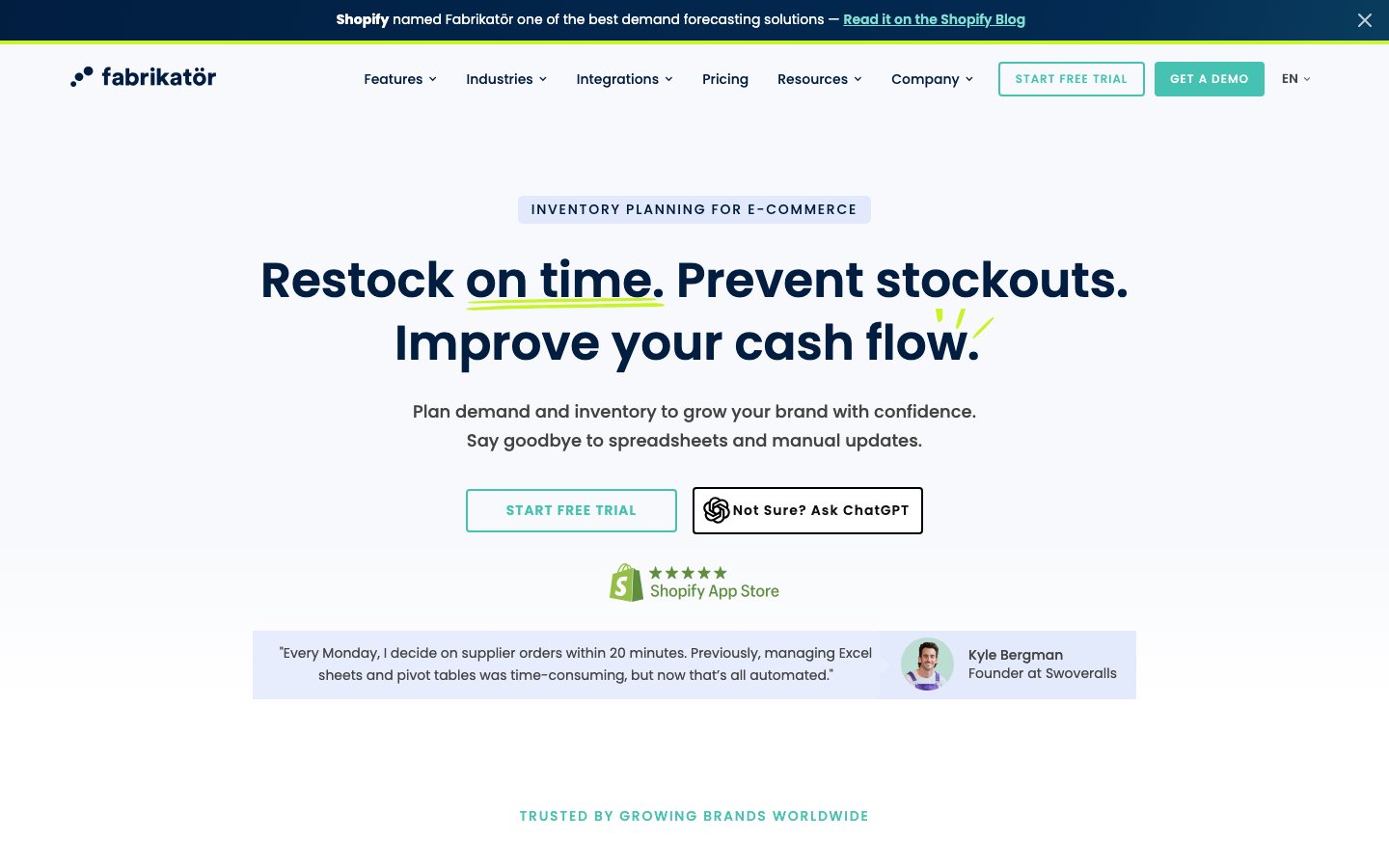
Buying view: Fabrikatör is a strong fit for Shopify brands that want one planning workspace between storefront demand and supplier purchasing, especially when purchase orders and backorders need to use the same incoming-stock plan. Check whether its Shopify-first scope, revenue-based subscription, per-backorder charge, and review-before-action model match the team's channels and operating process.
What Fabrikatör does
Fabrikatör uses connected Shopify sales and inventory records to build demand forecasts, supply plans, replenishment recommendations, and purchase orders. It also tracks incoming stock, can recommend how to split a purchase order between air and ocean freight, and lets a store accept selected out-of-stock orders against planned incoming quantities. Analytics turns the same operating data into reports and dashboards, while Fabrikatör MCP lets a compatible assistant answer inventory questions, run scenarios, and prepare drafts that still require review in Fabrikatör.
What problem it addresses
Inventory planners need to reconcile expected demand, current and incoming stock, supplier lead times, purchasing decisions, and out-of-stock sales without maintaining separate spreadsheets for each step.
How people use it
A Shopify-connected planning workspace with forecasting, supply planning, replenishment, purchase-order, freight, backorder, analytics, and optional MCP-assisted work surfaces.
The planner reviews a demand forecast, applies supply constraints, and either approves the recommended order or revises the inputs and recalculates. Once the order is approved, Fabrikatör creates and tracks the purchase order.
The approval decision keeps the planner responsible for quantities and timing; recommendations that are not approved return to planning rather than becoming supplier commitments.
The operator limits backorders to planned incoming stock, shows the expected shipment date, and fulfils the waiting order when inventory arrives. A connected Klaviyo flow can notify the customer if the release date changes.
The Klaviyo notification is conditional: it requires the native connection and a configured flow for Fabrikatör's release-date event.
What each module does and its role
Demand forecasting
This function estimates future demand from past sales, seasonal patterns, and marketing events. The inventory planner can review and adjust the forecast before using it as the demand side of a supply plan, so the prediction is an editable planning input rather than an automatic purchase commitment.
Replenishment
Replenishment combines the approved demand view with lead times, stock-coverage targets, restock frequency, and supplier details. It shows what to order, how much, and when, and the planner can turn a recommendation into a purchase order after checking quantities and timing.
Purchase orders
The purchase-order workspace creates, approves, and shares supplier orders, then tracks incoming quantities, costs, and expected future inventory. Operators can connect an order to backorder availability and keep receiving progress visible instead of losing it in email or a separate spreadsheet.
Freight Planner
Freight Planner works inside a draft or approved purchase order. After the planner enters manufacturing, air, and ocean lead times, Fabrikatör recommends how much of the order to send by air or ocean; the team can create the split shipments or download the recommendation for manual coordination.
Backorders
Backorders let shoppers purchase selected out-of-stock items when the store has planned incoming inventory. The operator can show an expected shipment date and cap accepted orders to the incoming quantity; with the native Klaviyo connection, a configured flow can send release-date updates to affected customers.
Analytics
Analytics provides ready-made and custom reports over the store's synchronized inventory and sales data. Teams can use dashboards, more than 100 published metrics and filters, and saved views to examine stock, purchasing, and forecast performance without exporting every question to a spreadsheet.
Fabrikatör MCP
Fabrikatör MCP lets an MCP-compatible assistant query live stock, forecasts, and purchase orders, test what-if scenarios, and prepare purchase-order drafts. The public product page says these actions remain drafts or suggestions: purchase orders, backorders, and plan changes still require review and approval in Fabrikatör.
Pricing and buying boundaries
Estimated from published pricing rules
Fabrikatör annual-revenue pricing calculator
Rebuilt from the official page's complete inline revenue-tier array and result function.
Choose the store's annual-revenue band.
Included in every public website tier
- Stock replenishment recommendations
- Unlimited SKUs and users
- Bundle planning
- Demand forecasting
- Live-chat support
Backorders are charged separately at $0.75 per order.
This estimates the website subscription only. Backorders cost $0.75 per order on the public website. The estimate excludes taxes and Shopify billing and does not account for implementation terms or the final contract. The $50M–$100M tier requires sales contact. Official pricing page
Fabrikatör publishes pricing information in two related but distinct places. The calculator estimates the website subscription from annual revenue and billing cadence; the Shopify App Store separately names Seed, Scale-up, Growth, and Enterprise terms, including its backorder charge and free-backorder quota.
Shopify App Store plans
These rows preserve the named plans on the current Shopify listing. They do not replace the broader revenue bands in the website calculator.
| Product or sales surface | Scope | Public price and status |
|---|---|---|
| Seed | For stores with up to $500K in annual revenue. Includes inventory forecasting and planning, purchase orders, bundle planning, reports, and backorders or pre-orders. Included plan entitlements
Optional add-ons
| $99/month14-day free trial |
| Scale-up | For stores with up to $1.5M in annual revenue, with the same listed planning, purchasing, reporting, and backorder functions. Included plan entitlements
Optional add-ons
| $149/month14-day free trial |
| Growth | For stores with up to $2.5M in annual revenue, with the same listed planning, purchasing, reporting, and backorder functions. Included plan entitlements
Optional add-ons
| $199/month14-day free trial |
| Enterprise | The Shopify listing directs stores above $2.5M annual revenue to the website calculator and lists extended trial, onboarding and training, data migration, a dedicated account manager, and all planning features. Included plan entitlements
| Free to install; subscription price via calculator |
Shopify says recurring and usage-based charges are billed every 30 days in USD. Check the Shopify listing
Five current Fabrikatör alternatives
| Tool | Workflow difference | Official public price reference |
|---|---|---|
| Prediko | Prediko is the closest Shopify-first comparison: it combines demand and supply planning, purchase orders, multi-store operations, and an AI inventory coworker. Compare it when raw-material forecasting, BOMs, transfers, or broader WMS connections matter; those sit more explicitly in Prediko's current offer than in Fabrikatör's core workflow. | Starts at $49/month; revenue-basedRaw-material and BOM add-on: $20 |
| Inventory Planner by Sage | Inventory Planner serves multichannel and multi-location retail teams with forecasting, purchasing, open-to-buy and integrations across commerce, inventory, ERP, and fulfilment systems. Compare it when the planning environment extends beyond Shopify and the team accepts a sales-assisted implementation; Fabrikatör instead provides a public revenue-based pricing slider. | Quote required; based on managed inventory volume |
| Netstock | Netstock is an ERP-connected demand and supply planning platform for organisations with more mature planning operations. It is worth comparing when an ERP is the operating system of record and a six-to-ten-week implementation is acceptable; Fabrikatör is the more direct Shopify-centred route. | Starts at $900/month on an annual subscription |
| Cin7 | Cin7 is a broader inventory and order operating system with purchasing, warehouse management, accounting connections, manufacturing options, and forecasting as an add-on. Choose it for end-to-end inventory execution across channels; choose Fabrikatör when the main job is planning and purchasing from Shopify demand without replacing the wider operations stack. | Cin7 Core starts at $349/month; forecasting is listed as an add-on |
| Finale Inventory | Finale focuses on multichannel inventory control, procurement, receiving, warehouse execution, barcode workflows, and financial inventory reporting. Compare it when daily warehouse and stock operations matter more than Fabrikatör's demand-led planning and controlled-backorder workflow. | Essentials starts at $499/month; Growth starts at $799/month |
Fabrikatör questions
What is Fabrikatör?
Fabrikatör is a Shopify-connected inventory-planning and purchasing workspace. It uses store demand and inventory data to support forecasts, replenishment, purchase orders, incoming-stock tracking, freight decisions, analytics, and backorders for selected products.
How does a Fabrikatör forecast become a purchase order?
The planner reviews a demand plan, then adds supply constraints such as lead time, stock coverage, restock frequency, and supplier details. Fabrikatör uses those inputs to recommend quantities and timing; the planner can revise the assumptions or turn the result into a purchase order, approve it, share it with the supplier, and track incoming stock.
What does Fabrikatör's backorder function do?
It lets a store accept orders for selected out-of-stock products against planned incoming inventory. The operator can display an expected shipment date and limit accepted backorders to the incoming quantity. If Klaviyo is connected and configured, a release-date change can trigger a customer-notification flow.
What does Freight Planner calculate?
Inside a draft or approved purchase order, the planner enters manufacturing, air, and ocean lead times. Fabrikatör recommends a quantity split between air and ocean freight; the team can create split shipments from that recommendation or download it for manual coordination.
Can Fabrikatör MCP place orders automatically?
The public MCP page says the assistant can query live inventory data, run scenarios, and prepare drafts, but every action remains a draft or suggestion. Purchase orders, backorders, and plan changes require review and approval in Fabrikatör before they become final.
Why do the website calculator and Shopify plans show different price views?
The website calculator publishes ten annual-revenue bands with monthly or yearly billing. The Shopify listing names Seed, Scale-up, Growth, and Enterprise, and separately states the per-backorder charge and an allowance of 50 free backorders. This page shows both public pricing views instead of treating either as a complete picture of the final bill.
Native connections
After connecting Katana, mapping locations, and choosing purchase-order events, a team can send created, approved, or updated purchase orders from Fabrikatör into Katana. Katana API access requires its Professional or Professional Plus plan.
Fabrikatör: connect KatanaWhen a backorder-enabled purchase order's release date changes, Fabrikatör can send its custom release-date event to Klaviyo for each affected customer. The operator must connect a Klaviyo public API key and configure the receiving flow.
Fabrikatör: Klaviyo backorder notificationsSources
- Fabrikatör product site
- Fabrikatör pricing
- Fabrikatör Shopify App Store listing
- Demand forecasting
- Replenishment
- Purchase orders
- Analytics
- Backorders
- Fabrikatör MCP
- Freight Planner guide
- Demand and supply planning guide
- Turn a demand plan into a supply plan
- Create a supplier purchase order
- Share a purchase order
- Katana integration guide
- Klaviyo backorder notification guide
User reviews
112 reviewsChecked Sep 6, 2026
Exact Shopify App Store listing: Fabrikatör Inventory Planner
A genuinely good product backed by a customer service team that's always willing to help and happy to take new ideas back to the wider team, who then look to integrate them. The interface is modern and the reporting is comprehensive. Raising purchase orders and receiving stock is quick and straightforward.
I am not satisfied with this app. It promised to make my pre-order process better but this function did not work, and after waiting for around 2 months for support to fix it, I am done paying for this app that does not do what it promised.
Fabrikatör
Content checked:
One of the best things a business like ours can hope for is an app developer that actively engages with their customers and develops features and responds directly to customer feedback. Fabrikator are the perfect example of a company who are clearly passionate about making their stock purchase ordering via prediction the market leader and are 'thinking of the things that matter' and baking them in. Great app, game changer, superb team with a wilful approach.