Automation & Integration AI
Zapier Agents
Zapier Agents lets a user describe a goal, attach knowledge or live data sources, and give an agent actions in connected apps. It is distinct from Zaps, which follow predetermined trigger-action logic; Zapier Chatbots, which are built for customer-facing conversations; and Zapier MCP, which exposes Zapier actions inside external AI clients. Agents usage is billed in activities, with each action, lookup, browsing step, or knowledge use potentially consuming quota.
 Official videoBuild Your AI Dream Team with Zapier AgentsClick to play · Zapier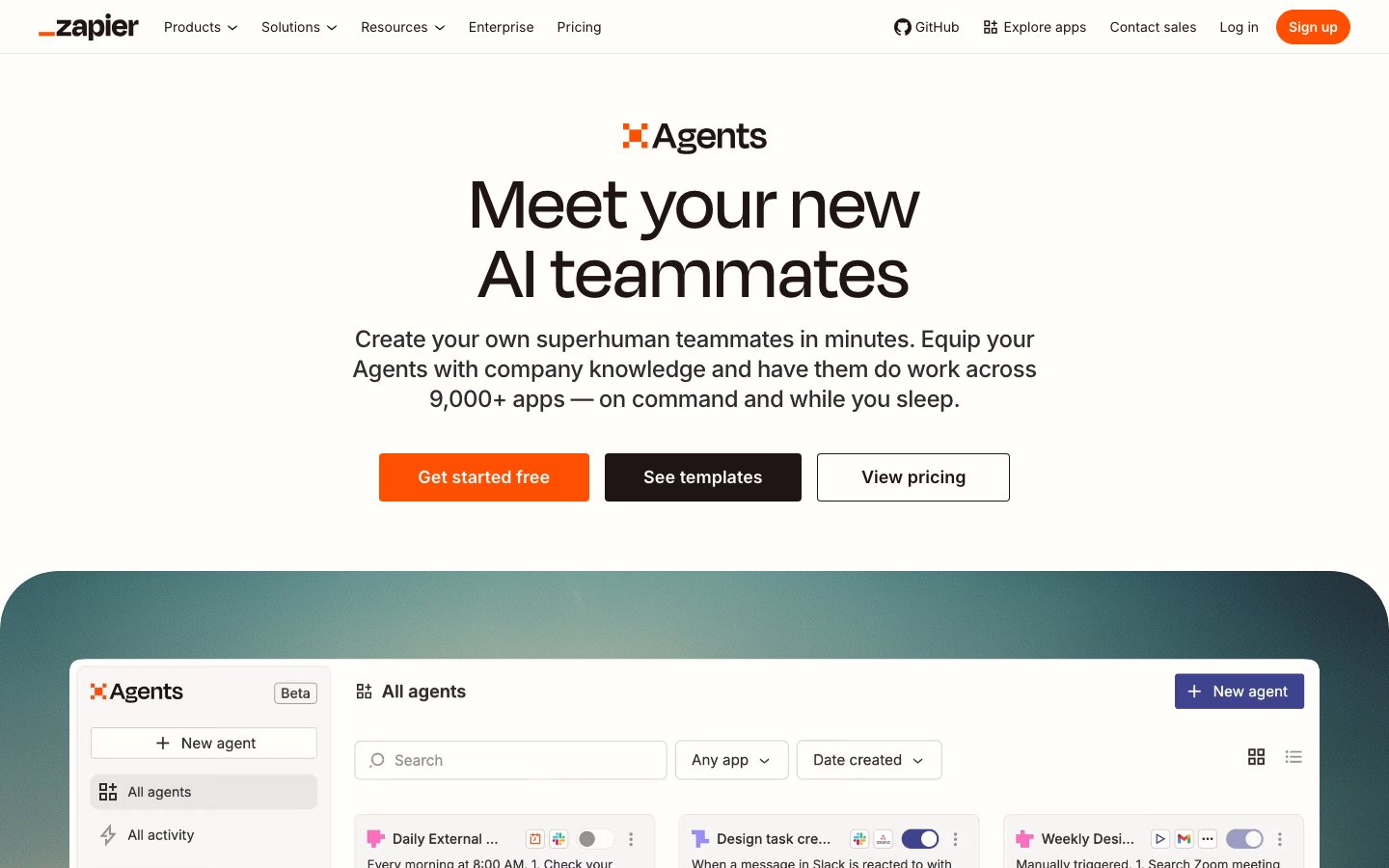
Verdict: Use Zapier Agents when a workflow genuinely needs judgment across several connected apps and the team can constrain its tools, instructions and approval points. Use a Zap for stable trigger-action work. Do not pay agent prices to make a deterministic order or inventory sync look more intelligent.
Best for
- Non-technical operators whose apps already have useful Zapier actions.
- Research, triage and coordination tasks where the next step depends on what the agent finds.
- Teams prepared to add human approval before refunds, outbound messages, price changes or purchase orders.
Poor fit
- High-volume deterministic workflows where task economics and predictable retries dominate.
- Sensitive actions without a sandbox, approval step, audit review and named owner.
Questions to answer before buying
How it compares with five alternatives
- n8n: Technical teams want self-hosting, code-level control or complex workflow logic. It requires more engineering, hosting and operational ownership.
- Make: A visual builder and lower operation cost matter more than Zapier's app breadth. Complex scenarios have a steeper learning and debugging curve.
- Gumloop: AI-first document, research and browser workflows are the main job. Validate ecommerce app actions, governance and mature error handling.
- Lindy: The team wants packaged AI assistants for communication and back-office work. Compare action coverage, data controls and usage pricing at production volume.
- Pabbly Connect: Predictable low-cost conventional automation is the priority. It is not a like-for-like replacement for goal-driven agents.
Before you start
- Choose one bounded, reversible monitored automation workflow to test.
- Prepare a process map, test accounts, field mappings, least-privilege credentials, and failure rules, removing sensitive fields the trial does not need.
- Record the current successful runs, exception rate, recovery time, execution cost, and unauthorized writes, then name the approver and stop conditions.
Operator-ready setup plan
Start with one real task
Do not begin with a store-wide rollout. Pick one reversible task where Zapier Agents can help you connect systems and automate a multi-step ecommerce workflow.
Checkpoint: The input boundary, owner, and one primary measure from successful runs, exception rate, recovery time, execution cost, and unauthorized writes are written down.
Prepare the input and guardrails
Collect only the a process map, test accounts, field mappings, least-privilege credentials, and failure rules needed for this test. Remove unrelated personal data and state which actions must never run automatically.
Checkpoint: Every input has a known source, sensitive fields are minimized, and the approver knows what the trial can read or change.
Configure a contained trial
Follow the official setup path, connect the fewest accounts possible, and grant only the permissions this test needs. Let Zapier Agents recommend before it acts.
Checkpoint: You have a monitored automation workflow that a responsible operator can inspect, and it stayed inside the approved boundary.
Review it against a baseline
Do not judge the result by fluency. Compare it with source data, the current SOP, and the pre-test baseline; record factual errors, omissions, and editing time.
Checkpoint: successful runs, exception rate, recovery time, execution cost, and unauthorized writes has a pre-test baseline, and errors and exceptions are logged separately.
Expand in small batches with a stop rule
Increase one batch at a time and decide in advance what will stop the rollout. Add it to the regular SOP only after it repeatedly clears the quality bar.
Checkpoint: Wider use does not push error, complaint, or rework costs above the previous baseline.
How to test it
- Test one normal case, one edge case, and one case with a deliberately missing critical field.
- Compare the result with the pre-test baseline for successful runs, exception rate, recovery time, execution cost, and unauthorized writes; do not record time saved alone.
- Review errors, human edits, permissions used, and unresolved exceptions before expanding scope.
Limits to account for
- We checked the public source and resource identity on 2026-07-19. That review does not cover every workflow result, and vendor performance claims are not treated as EcomAgentTools tests.
- An automation can repeat a small configuration mistake across orders, customers, or inventory before anyone notices.
- This page reflects the review completed on 2026-07-19, not a permanent guarantee. Recheck the current documentation, pricing, and contract terms before production use.
Frequently asked questions
How do I add Zapier Agents to the current SOP?
Map the input source, owner, approval point, and exception path, then replace one existing step. Do not rewrite the whole operation just to accommodate a new tool.
Which metrics show whether it is worth keeping?
Track successful runs, exception rate, recovery time, execution cost, and unauthorized writes. Pair quality and efficiency measures so output volume is not mistaken for a business result.
When is it not worth using?
It is usually a weak fit when volume is low, inputs stay incomplete, most cases need senior judgment, or review costs approach the cost of the old process.
Key features
Zapier Agents lets a user describe a goal, attach knowledge or live data sources, and give an agent actions in connected apps. It is distinct from Zaps, which follow predetermined trigger-action logic; Zapier Chatbots, which are built for customer-facing conversations; and Zapier MCP, which exposes Zapier actions inside external AI clients. Agents usage is billed in activities, with each action, lookup, browsing step, or knowledge use potentially consuming quota.
- Goal and instruction-based agents with connected app actions
- Live data sources, attached knowledge, and web browsing
- Chrome extension for interacting with agents
- Up to 10 activities per run on Free and 40 per run on paid plans
- Human approval through instructions or a downstream Human in the Loop Zap step
- Separate Zapier MCP access for Claude, ChatGPT, and other compatible clients
Best for
You are connecting recurring work across several systems into one workflow. Bring Goal and instruction-based agents with connected app actions and Live data sources, attached knowledge, and web browsing into the same operating path before attempting connecting one workflow… Consider it when these outcomes matter: Put Goal and instruction-based agents with connected app actions into the current flow to break recurring work into inspectable inputs, decisions, and outputs; Use Live data sources, attached knowledge, and web browsing in this step to connect only the systems and data needed for the current task; Chrome extension for interacting with agents; this can validate in a reversible workflow before adding scenarios or automated execution. Confirm before rollout: Each action, lookup, browse, or knowledge step can consume an activity, so one run may use several.
Pricing analysis
Current published or described options are Agents Free: $0 (400 activities/month); Agents Pro: $33.33/month billed annually (1,500 activities); Agents Enterprise: Coming soon; custom quote. Agents Free has the lowest acquisition cost for validating the workflow, while Agents Pro is the first useful cost baseline for steady use. A higher tier earns its premium through measurable labor savings, revenue lift, or lower unit cost—not through a longer feature list alone. Complete cost also includes seats, executions or credits, model usage, premium connectors, hosting, implementation, monitoring, and incident response; model both normal and peak periods. A custom quote should state the billing unit, minimum commitment, overages, add-ons, implementation scope, renewal terms, and data-export path.
Pros
- Broad action catalog reduces custom integration work for common business apps
- A free activity allowance supports a small proof of concept
- Human approval can be inserted before a sensitive downstream action
- Clearer fit for non-technical teams than a code-first agent framework
Limitations
- Each action, lookup, browse, or knowledge step can consume an activity, so one run may use several
- Testing counts against the Free allowance
- A deterministic Zap is usually easier to predict and debug for fixed ecommerce operations
- Enterprise sharing, audit logs, and restricted-app support are listed with the coming-soon Enterprise plan
Selection guidance
Document the current manual process, data sources, owner, and recovery path, then run one bounded workflow with test data, approval gates, and a documented rollback with real business data. Cover permission boundaries, null and exception data, duplicate execution, human override, third-party sync delays, export, and rollback. Also run these product checks: Test one normal case, one edge case, and one case with a deliberately missing critical field.; Compare the result with the pre-test baseline for successful runs, exception rate, recovery time, execution cost, and unauthorized writes; do not record time saved alone.. Keep the pilot live for a complete business cycle and compare successful completion rate, human override rate, execution errors, cycle time, and cost per completed workflow with the pre-pilot baseline. Contract only if quality, controllable risk, and total cost all pass, and explicitly test these known constraints: Each action, lookup, browse, or knowledge step can consume an activity, so one run may use several; Testing counts against the Free allowance.
Published pricing
- Agents Free
- $0 (400 activities/month)
- Agents Pro
- $33.33/month billed annually (1,500 activities)
- Agents Enterprise
- Coming soon; custom quote
Alternatives
Content checked: