Supermetrics
Supermetrics helps marketing and data teams move advertising, store and analytics data into spreadsheets, BI tools or data warehouses, so recurring reports do not depend on repeated manual exports. Teams can also manage reusable data in Supermetrics Hub and use supported analysis or activation tools where their plan includes them.
Supermetrics helps marketing and data teams move advertising, store and analytics data into spreadsheets, BI tools or data warehouses, so recurring reports do not depend on repeated manual exports. Teams can also manage reusable data in Supermetrics Hub and use supported analysis or activation tools where their plan includes them.
Supermetrics helps marketing and data teams move advertising, store and analytics data into spreadsheets, BI tools or data warehouses, so recurring reports do not depend on repeated manual exports.
- Views
- 0
- Uses
- 0
- Favorites
- 0
- Editorial Score
- 80/100
- Supported Platforms
- Shopify · Custom API
- Freshness
- Last reviewed Aug 2026 — Due for refresh
Buying view: Supermetrics helps marketing and data teams move advertising, store and analytics data into spreadsheets, BI tools or data warehouses, so recurring reports do not depend on repeated manual exports. Teams can also manage reusable data in Supermetrics Hub and use supported analysis or activation tools where their plan includes them.
Capabilities
The normal workflow is to connect source accounts, choose where the data should go, define the fields or reports the team needs, then maintain refreshes and credentials. Hub adds reusable data management; selected plans also cover analysis or downstream audience activation. The right plan depends on destinations, connectors, user seats, refresh needs and data volume.
What problem it addresses
Supermetrics helps marketing and data teams move advertising, store and analytics data into spreadsheets, BI tools or data warehouses, so recurring reports do not depend on repeated manual exports. Teams can also manage reusable data in Supermetrics Hub and use supported analysis or activation tools where their plan includes them.
How people use it
The normal workflow is to connect source accounts, choose where the data should go, define the fields or reports the team needs, then maintain refreshes and credentials. Hub adds reusable data management; selected plans also cover analysis or downstream audience activation. The right plan depends on destinations, connectors, user seats, refresh needs and data volume.
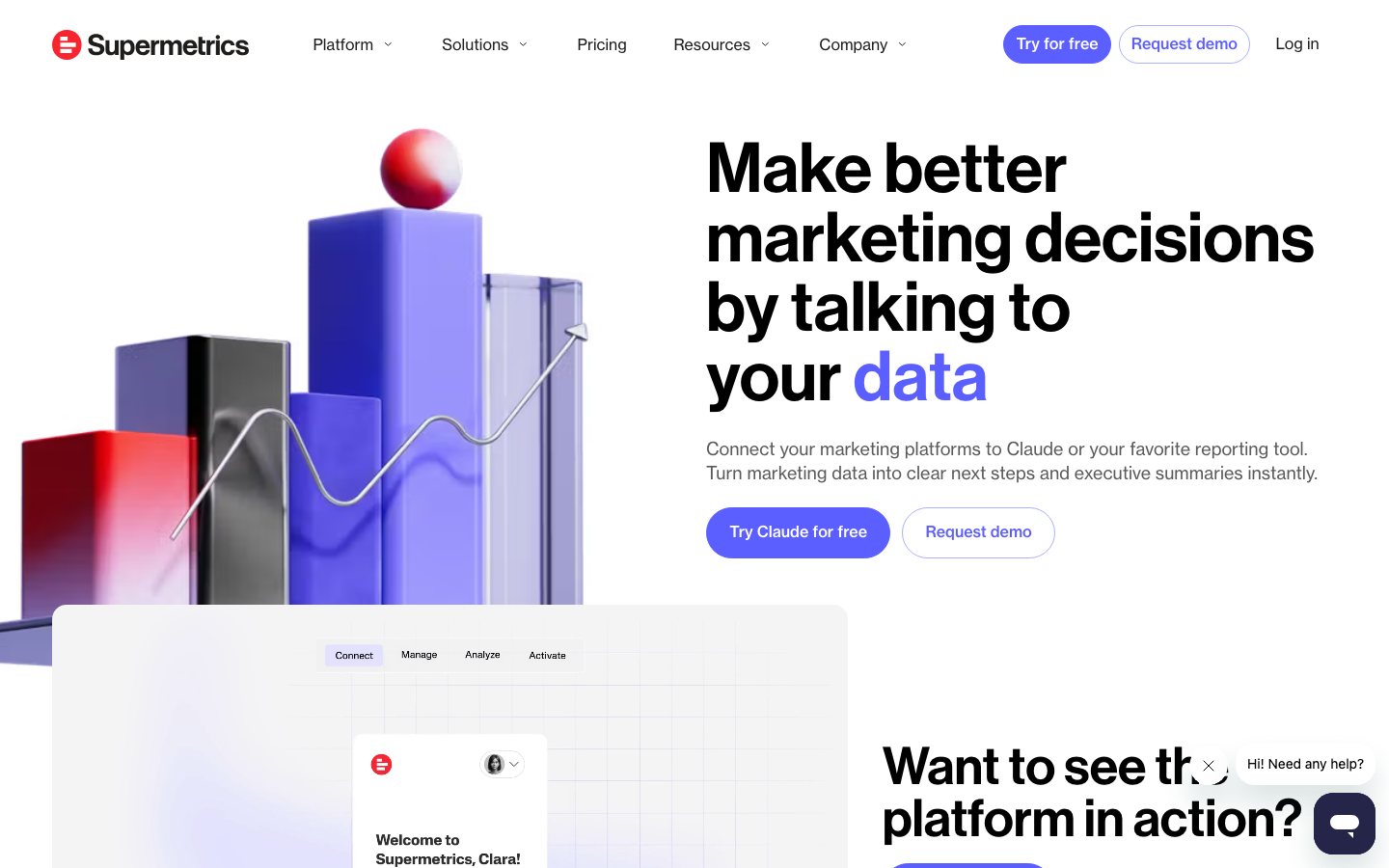
This workflow is read from left to right. Marketing and commerce data enters through connectors, is transformed and governed in Supermetrics Hub, moves into reporting or AI-assisted analysis, and may then be sent to supported marketing destinations. Activation is an optional later stage with separate commercial scope, not a guaranteed action for every reporting customer.
What each module does and its role
Connect
Connect is the source-ingestion area in Supermetrics Hub. Teams select a supported data source and account, authenticate it, choose fields and query settings, and route the result toward a destination; custom imports and Connector Builder cover documented paths outside the standard catalog. Connector availability, account counts, field compatibility, history and refresh cadence vary by source and plan, so a successful connection does not mean every requested metric can be combined or refreshed at the same rate.
Manage
Manage is the operating layer for making connected data reusable. Supermetrics documents custom fields, data blends, warehouse and table management, transfers and API queries in this area, alongside team and subscription controls in Hub. Operators use it to define a consistent output before reporting, while source authentication, schema changes and incompatible metric combinations still require monitoring and repair.
Analyze
Analyze covers Data Explorer, dashboards and the documented AI-assisted analysis surfaces in Hub. Teams can inspect results directly, send governed data to spreadsheets or BI tools, and use supported Insights Agent, AI chat or MCP connections to ask questions across configured marketing sources. These assistants can summarize and compare available data, but access, source coverage and answer quality need account-level testing; an AI response does not replace metric-definition or discrepancy checks.
Activate
Activate is the downstream audience and journey layer, not another reporting destination. Supermetrics describes connecting profile and event data, building modeled segments or behavioral journeys, and sending them to supported advertising, email or engagement tools—for example suppression or abandoned-cart use cases shown in vendor demos. Data Activation package boundaries are not fully public, and the destination executes the final campaign action, so buyers need written entitlements, identity rules, refresh expectations and rollback tests.
Commercial plans
Estimated from published pricing rules
Supermetrics pricing calculator
This estimator uses Supermetrics' current public Starter and Growth prices and each currently published eligible add-on pack. The explanatory text identifies what each billing unit counts and what the selected plan already includes.
The calculator models only the exact add-on packs and plan eligibility visible on the current official price page. It excludes taxes, currency selection, multiple packs, destination-specific restrictions, and Enterprise contract pricing; confirm the final configuration with Supermetrics. Official pricing page
Supermetrics currently publishes Starter, Growth and Enterprise packages. Starter and Growth have public monthly and annual prices; plan, billing cadence, and only the publicly listed eligible extras change the recurring cost.
Supermetrics public commercial reference
| Product or sales surface | Scope | Public price and status |
|---|---|---|
| Starter | Entry package with 1 core destination, 3 data sources, 1 user and 3 accounts per data source. Included plan entitlements
Optional add-ons
| $55/month on monthly billing$44/month equivalent on annual billing |
| Growth | Team package with 1 core destination, 6 data sources, 2 users and 7 accounts per data source. Included plan entitlements
Optional add-ons
| $222/month on monthly billing$177/month equivalent on annual billing |
| Enterprise | For custom destination, source, user, governance, warehouse and support requirements. Included plan entitlements
Optional add-ons
| Custom quote |
Comparable tools: price and workflow
| Tool | Workflow difference | Official public price reference |
|---|---|---|
| Daasity | The team needs a shared ecommerce data layer and recurring reports across sales, marketing, inventory, or finance inputs. Source mapping, transformations, metric definitions, refresh timing, and data ownership decide whether the report is trustworthy. | Starter Essentials Self Service: $1,499/monthEssentials Self Service: $1,999/monthEnterprise: Custom quote |
| Polar Analytics | The team needs a shared ecommerce data layer and recurring reports across sales, marketing, inventory, or finance inputs. Source mapping, transformations, metric definitions, refresh timing, and data ownership decide whether the report is trustworthy. | Core Plan: From $750/month; GMV-based scopeCustom Plan and add-ons: Confirm in sales proposal or order form |
| Google Analytics | The first need is a general measurement baseline for onsite behaviour, ecommerce events, and funnel analysis. It is not a complete attribution or profit system; event quality, consent, configuration, and exports still need active ownership. | Google Analytics: $0 |
| Northbeam | The decision is where to allocate paid budget using connected store, ad, and conversion data. Compare pixel and event coverage, identity matching, reporting model, CAPI or ad-platform return paths, and reconciliation process. | Growth: Custom quote through an agency partnerStarter: From $1,500/monthProfessional: $3,500/month for the published scope |
| Rockerbox | The decision is where to allocate paid budget using connected store, ad, and conversion data. Compare pixel and event coverage, identity matching, reporting model, CAPI or ad-platform return paths, and reconciliation process. | Shopify brand plan: From $150/month |
Frequently asked questions
What work is Supermetrics best for?
It is best suited to recurring reporting and data delivery: moving marketing, store and analytics data into a spreadsheet, BI tool or warehouse. It is less suitable when the team only needs one occasional manual export.
What should be decided before choosing a plan?
The team should list the source connectors, data destinations, user seats, refresh needs and data volume it actually needs. Those choices determine both the usable workflow and the recurring cost.
Where can the current Supermetrics price be checked?
Use the calculator and official pricing link on this page to compare the currently selected destination, source, user and billing choices. Enterprise scope remains a sales discussion.
Native connections
Install the Supermetrics app and connect the store, then use the connection in supported reporting destinations.
Supermetrics Shopify connection guideConnect Brevo as a Supermetrics data source to bring email-campaign performance into reporting destinations.
Supermetrics Brevo connection guideSources
User reviews
1 reviewsChecked Aug 31, 2026
Shopify App Store listing: Supermetrics. These reviews cover this exact app listing, not every product surface from the vendor.
824 reviewsChecked Aug 28, 2026
Supermetrics product review collection
Comment content could not be retrieved. Use the link below to view comments on the original platform.
More reviews on G230 written reviewsChecked Aug 28, 2026
Supermetrics written reviews
Comment content could not be retrieved. Use the link below to view comments on the original platform.
More reviews on TrustRadius27 reviewsChecked Aug 28, 2026
Supermetrics company review page
Comment content could not be retrieved. Use the link below to view comments on the original platform.
More reviews on TrustpilotSupermetrics
Latest public financing: €40 million Series B funding, announced Jan 31, 2023. Investors: Highland Europe, IVP, Ilkka Paananen, Amit Agarwal. Funding announcement
Content checked:
I don't write bad reviews. But I've had a very poor experience with Supermetrics. They only refresh the data from Shopify twice a day and most other connectors only a few times per day. While it may fine for some, we installed it specifically to display sales data in our office in real time (or at least hourly) and were told we could. After over 2 months of support tickets and countless wasted hours going back and forth with their support team trying to figure out why the automatic timed refreshes weren't changing data, it was revealed to me that they only do their data pulls on Shopify twice a day. Not helpful at all for our use and as I said, it was different than I was told during the Sales cycle, so I told them I wanted to cancel in March and was just told (over a month later) that "The Shopify connector is working as intended." and they want to try and keep me locked into the agreement. If you are looking for up-to-the-minute data, do not use this App, use Polar Analytics.