Customer Service & Retention AI
Help Scout
Help Scout is a customer-support platform for small and growing teams that need to manage email, chat, and connected customer context without fragmenting conversations across separate inboxes. Its support workspace is designed around a simple shared-inbox operating model, with automation available as volume grows.
- Platforms
- Shopify · Custom API
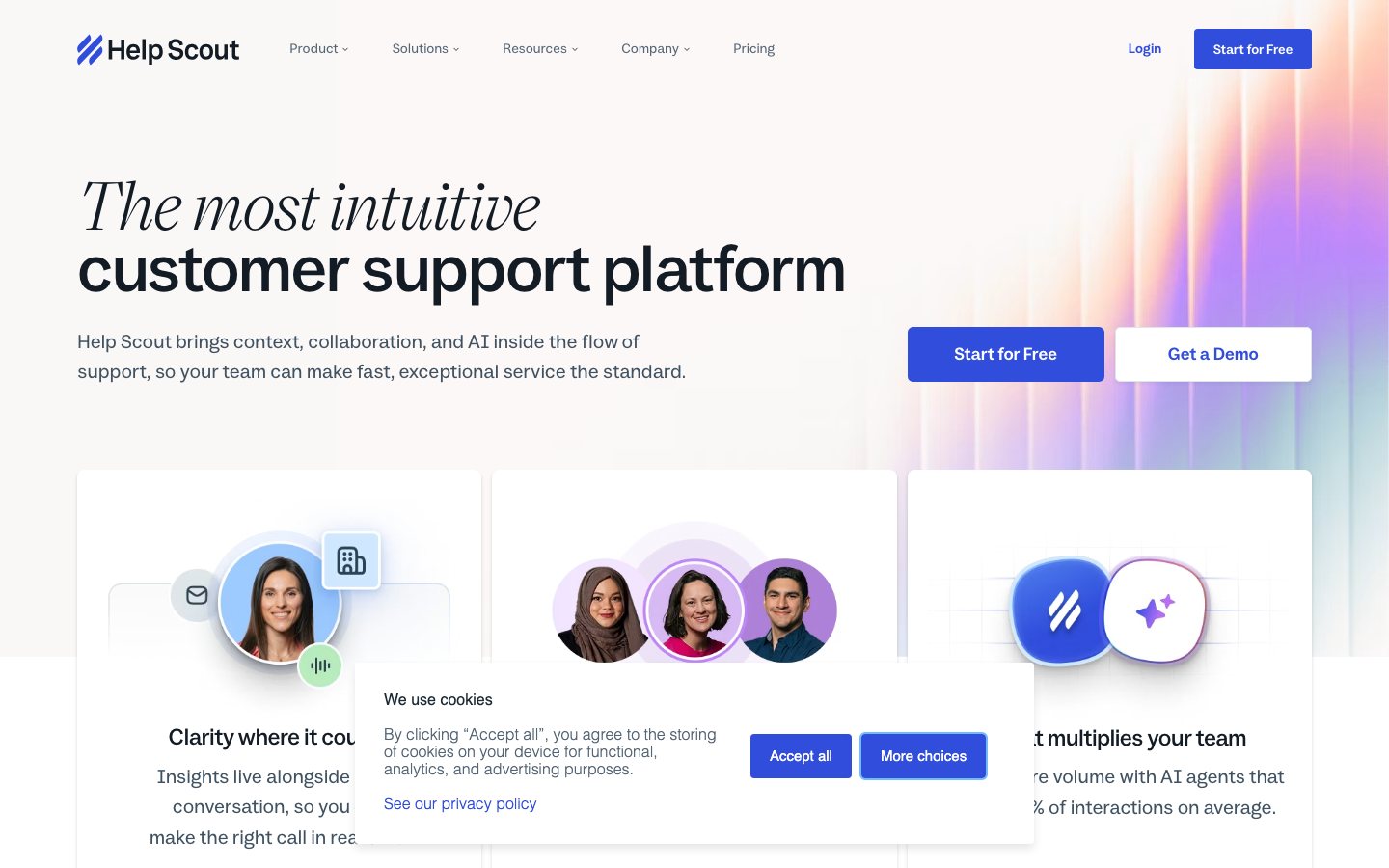
Buying view: Its support workspace is designed around a simple shared-inbox operating model, with automation available as volume grows. Per-user pricing and per-resolution AI add-ons make staffing and deflection assumptions important; evaluate the quality of escalation before declaring a ticket resolved.
Capabilities
Help Scout combines a shared inbox, customer and ecommerce context, if-then workflows, saved replies, a help center, and AI Answers so a small support team can handle service without a heavy ticketing interface. Its biggest advantage is a simple human-owned conversation record: automation and AI can sort work or answer requests, while teammates can see the same history and take over when account-specific help is needed.
What problem it addresses
Support teams need a shared inbox that keeps customer conversations, store context, routing, saved replies, and optional AI assistance in one human-led workflow.
How people use it
Shared inbox for multiple customer-support channels. Ecommerce-specific documentation and integration guidance. Automated workflows and saved-reply operations.
An incoming message enters the shared inbox or AI Answers, rules add context and assign ownership, and either the AI or a teammate resolves the request with the history preserved.
What each module does and its role
Shared inbox
Shared inbox for multiple customer-support channels. Agents can assign, reply to, and follow a conversation from one queue while retaining the available customer context.
Ecommerce integration
Ecommerce-specific documentation and integration guidance. Teams use this guidance to carry out the documented data transfer or action between the product and a connected system; the direction of that transfer or action and plan eligibility still need separate verification.
Workflows and saved replies
Workflows apply if-then conditions to conversations to tag, assign, notify, draft, reply, move, or change status automatically. Saved replies give teammates approved reusable answers; together they remove repetitive inbox work while preserving a visible conversation record.
AI Answers
AI Answers uses approved help content to respond to recurring customer questions through a self-service experience. Support teams maintain the source material and keep a route to an agent for requests the answer flow cannot complete.
Commercial plans
This table reflects the current public pricing surface checked on 2026-09-03. Each row keeps the plan's documented allowances, capabilities and separately priced add-ons together so the tiers can be compared without treating the headline price as the whole offer.
Help Scout public plans
| Product or sales surface | Scope | Public price and status |
|---|---|---|
| Free | For a small team that only needs the basic shared-support workspace. Included plan entitlements
| $0 |
| Standard | For growing teams moving beyond email and adding basic automation. Included plan entitlements
| $25/user/month |
| Plus | For higher-volume multichannel teams that need advanced routing and integrations. Included plan entitlements
| $45/user/month |
| Pro | For teams with the highest requirements for scale, security, and onboarding support. Included plan entitlements
| $75/user/month |
| AI Answers add-on | Autonomous answers billed only when the assistant resolves a request. Included plan entitlements
| $0.75/resolution |
Comparable tools: price and workflow
| Tool | Workflow difference | Official public price reference |
|---|---|---|
| Freshdesk | A support team needs a structured workspace for tickets, customer context, and service workflow control. Compare Shopify context, automation limits, agent seats, and the work needed to maintain policies and routing. | $0 |
| Zendesk AI | A support team needs a structured workspace for tickets, customer context, and service workflow control. Compare Shopify context, automation limits, agent seats, and the work needed to maintain policies and routing. | $19/agent/month, billed annually |
| Gorgias | A support team needs a structured workspace for tickets, customer context, and service workflow control. Compare Shopify context, automation limits, agent seats, and the work needed to maintain policies and routing. | $10/month (50 tickets) |
| Intercom | The priority is an AI service agent that can resolve common questions and hand uncertain cases to people. Answer quality depends on maintained knowledge, permissions, and a clear escalation owner. | From $0.99/outcome |
| eesel AI | The team wants to add an AI answer layer to approved help content or an existing support stack. The result is only as safe as the source selection, retrieval quality, and escalation rules behind it. | $0.40 |
Frequently asked questions
How does Help Scout fit into an ecommerce workflow?
Messages arrive in a shared inbox with available customer and store context; workflows and saved replies organize agent work, while AI Answers handles eligible self-service questions.
How is Help Scout priced?
The public pricing shown here is: Standard: $25/user/month; Plus: $45/user/month; Pro: $75/user/month; AI Answers: $0.75/resolution.
What is the main Help Scout boundary to check?
Per-user pricing and per-resolution AI add-ons mean that staffing and deflection assumptions matter; evaluate the quality of escalation handling before declaring a ticket resolved.
Native connections
The Plus plan lists HubSpot among its ready-made connections for higher-volume support teams.
Help Scout pricing and plan comparisonSend leads created through Help Scout into Cometly so support-originated demand can appear in attribution reporting.
Cometly Help Scout integrationView a customer's Mailchimp list subscriptions in Help Scout and add or remove that email address from a list; only the email address is sent when subscribing.
Help Scout Mailchimp appDynamically translate a Help Scout Docs site with Weglot and expose search-indexable translated help content without maintaining a separate site per language.
Help Scout Docs translation integrationsThrough Help Scout webhooks, send Omnisend events for new chats and for conversations that are created, moved, or assigned to trigger follow-up email or SMS workflows; historical conversations are not imported.
Omnisend: Integrate Help ScoutSources
Content checked: