Product Content & Copy AI
Claid
Claid is an AI product-image editing platform for ecommerce teams that need to standardize, resize, and enhance catalog visuals for storefronts, marketplaces, and campaigns without editing every image by hand. It is focused on repeatable image transformation operations and API-oriented production, not just one-off creative generation.
- Platforms
- Custom API
 Official videoYour AI video, now in 4K. Meet LetsEnhance Video UpscalerClick to play · Let's Enhance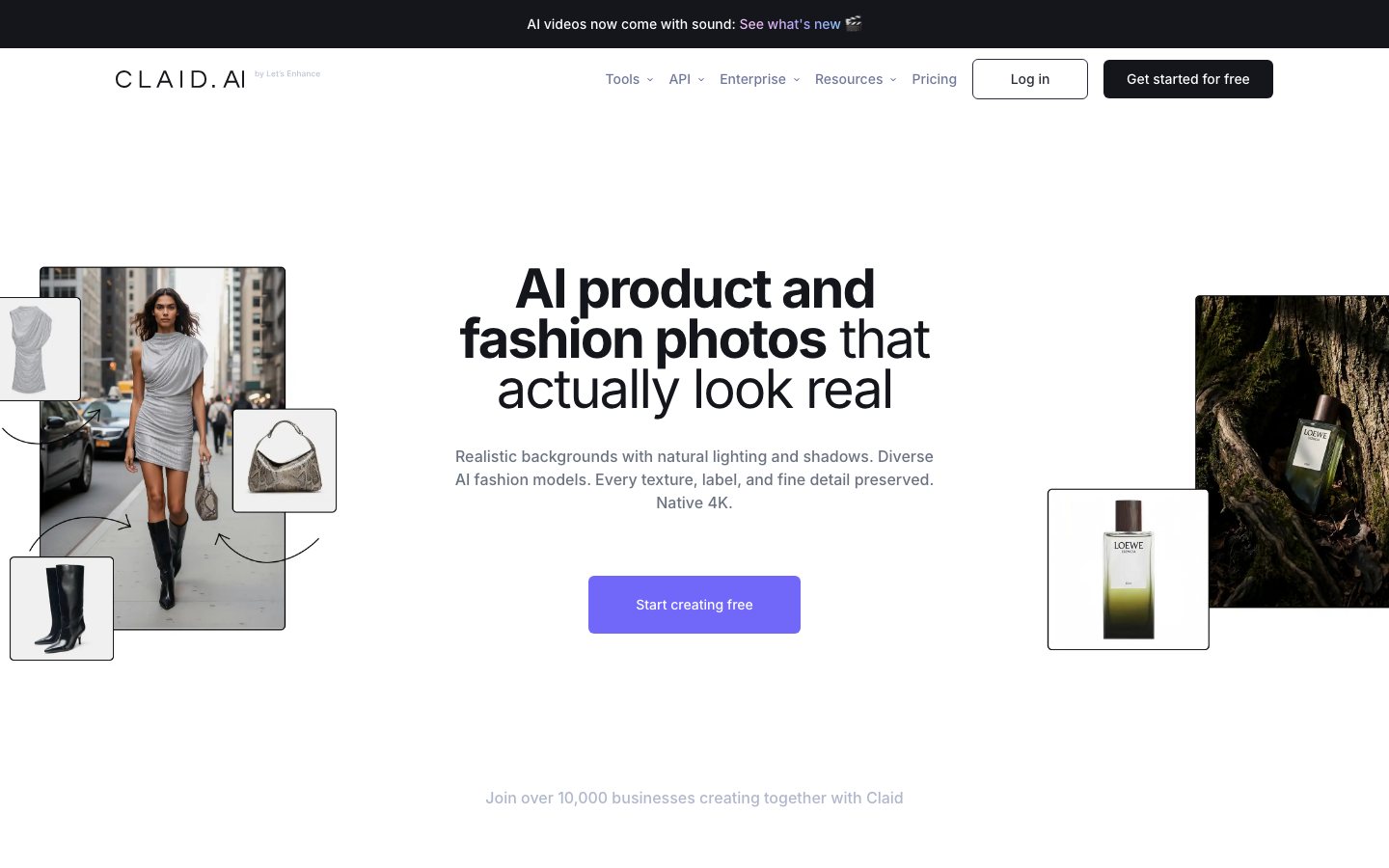
Buying view: It is focused on repeatable image transformation operations and API-oriented production, not just one-off creative generation. Output still needs brand, legal, and marketplace-policy review; batch rules should be tested on product images featuring challenging materials before all-SKU processing.
Capabilities
Claid standardizes ecommerce images by taking a product photo or cloud-storage batch, applying declared operations such as enhancement, resizing, background removal, padding, or AI scenes, and returning processed files for review. Its biggest advantage is repeatability at catalog scale: the same visual rules can run in the web app or API, reducing one-by-one editing while keeping outputs available for approval.
What problem it addresses
Large catalogs need repeatable image enhancement and background treatment that can run through either a web workspace or an API.
How people use it
Image enhancement and resolution improvement for product assets. Background and visual adjustments for catalog consistency. Web- and API-oriented image operations.
The team supplies images and output rules, Claid processes the job, and the returned assets are checked before they replace catalog originals.
What each module does and its role
Image upscaling and restoration
Claid improves image resolution and applies supported restoration operations to source product photos. The result provides a cleaner-looking catalog asset, but product details still require visual review.
Background removal and editing
Background tools isolate a product and replace or adjust the surrounding scene. Merchants can create channel-specific compositions without treating a generated background as evidence about the physical item.
AI Photoshoot and image editing
AI Photoshoot and editing operations create styled product-scene variants from an uploaded source. Creative teams select and review outputs before using them on a product page or in a campaign.
Web app and API
The web app supports interactive image work, while users on eligible plans can use API access to incorporate the same class of operations into a repeatable pipeline. Teams should match operation credits, generation-history retention, and API eligibility to the intended volume.
Commercial plans
This table reflects the current public pricing surface checked on 2026-09-03. Each row keeps the plan's documented allowances, capabilities and separately priced add-ons together so the tiers can be compared without treating the headline price as the whole offer.
Claid web plans
| Product or sales surface | Scope | Public price and status |
|---|---|---|
| Free trial | For testing web tools and the API before purchase. Included plan entitlements
| Free |
| Essentials | Entry web plan with published per-operation limits. Included plan entitlements
| See live official price |
| Pro | Higher-volume web plan with API access. Included plan entitlements
| See live official price |
| Business | Custom plan for scaled image operations and service needs. Included plan entitlements
| Custom quote |
Comparable tools: price and workflow
| Tool | Workflow difference | Official public price reference |
|---|---|---|
| Pixelcut | A non-design team needs a fast app or web workflow for product-photo cleanup, variants, and campaign-ready visuals. Check commercial-use rights, credits, batch limits, and export quality, and manually review the accuracy of product details in the outputs. | $0/month |
| Photoroom AI Product Photography | A non-design team needs a fast app or web workflow for product-photo cleanup, variants, and campaign-ready visuals. Check commercial-use rights, credits, batch limits, and export quality, and manually review the accuracy of product details in the outputs. | $0 |
| Adobe Firefly | The team needs broader production of on-brand images, layouts, copy, or campaign assets. It may cover more than product-image operations; compare asset governance, skill requirements, usage limits, and approval workflows. | $0 |
| Canva Magic Studio | The team needs broader production of on-brand images, layouts, copy, or campaign assets. It may cover more than product-image operations; compare asset governance, skill requirements, usage limits, and approval workflows. | $0 |
| Dropmatico | Choose it when the immediate job is to standardize crops, formats, compression, and exports for many marketplace or social destinations. It is a workflow and export choice rather than a generative-image system; check automation, batch limits, and integration needs. | $0 today |
Frequently asked questions
How does Claid fit into an ecommerce workflow?
A team uploads product images in the web app or sends them through the API, applies enhancement or background processing, checks edge cases, and exports the approved results.
How is Claid priced?
For current pricing, see the official pricing page.
What is the main Claid boundary to check?
Output still needs brand, legal, and marketplace-policy review; batch rules should be tested on images of products made from difficult-to-process materials before all-SKU processing.
Sources
Content checked: